



You can use this provider to connect to your MySQL database.
Configuration manual

Connection settings
These settings relate to the connection to your MySQL database server.
Server

Enter the fully qualified domain name (FQDN) or IP address of your MySQL server.
Examples:
- mysql.mycompany.com
- 192.168.1.100
- localhost
Port

Specify the port number your MySQL server is listening to. The default MySQL port is 3306. Only change this if your MySQL server is configured to use a different port.
Database

Enter the name of the database you want to connect to. The database must exist on the server before you can connect to it.
Connection Timeout

Specify the time (in seconds) to wait when establishing a connection to the MySQL server before timing out. Increase this value if you experience connection timeouts due to network latency or slow server response.
Command Timeout

Specify the time (in seconds) to wait for a query to complete before timing out. Increase this value if you have long-running queries or large data extractions.
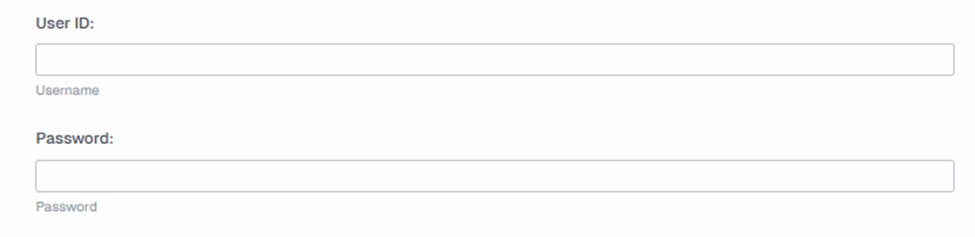
Below settings are related to authentication with your MySQL server.
User settings
SSL
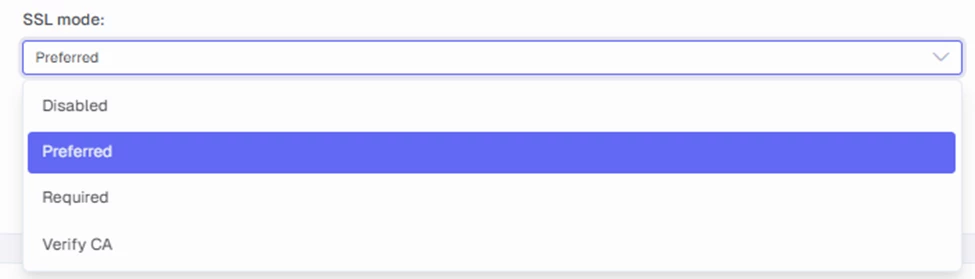
Select the SSL/TLS encryption mode for your connection.
- Disabled: Do not use SSL. Connection is unencrypted.
- Preferred: (Default) | Use SSL if the server supports it, otherwise falls back to unencrypted.
- Required: Always use SSL. Connection fails if server does not support SSL. Does not validate CA or hostname.
- Verify CA: Always use SSL. Validates the Certificate Authority but tolerates hostname mismatch.
