



This provider can be used to connect to JSON or XML files. It is also able to find files across folders and subfolders. These files can be stored in a variety of locations. It can then merge this based on aggregation patterns and you can use the Table builder to set up XMLS for the data.
The JSON & XML data source
When you search for JSON or XML the following data source will be available-

Incomplete row handling
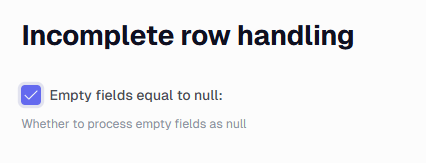
If you check the Empty fields equal to null: option it will convert these fields from blank fields to an actual null value field.
Table Builder
You can read about how to use this here.
Connection settings
You can see the various available location options here.
Transforms
In the Portal, the data source settings include a Transforms card. It lists each transform with its name and Transform Mode, plus Open and Delete buttons. Opening a transform starts the editor, where you select the Ingest instance and click Fetch Schema. In Simple mode, you pick a row path in the schema tree and drag fields into the column list. In SQLite mode, you write a SELECT statement against the tables the document is parsed into. For XML sources, you can also flatten the document with an XSLT transform.
