
Data source providers from CData are available in TimeXtender Data Integration as a paid add-on. If you do not want to pay the associated fee, you simply have to not use the providers.
However, to prevent a user from accidentally incurring the fee by adding a data source using a CData provider, we have provided a toggle for company admins to active or deactivate the add-on. When the toggle is off, no new data source connections using CData providers can be created.
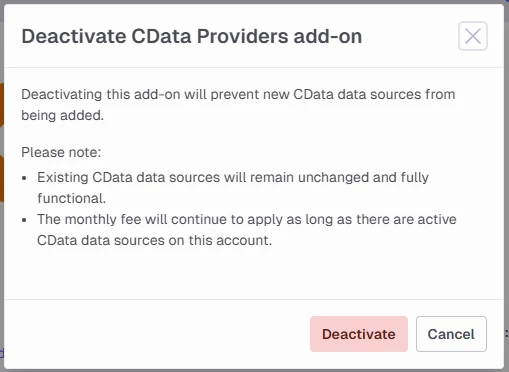
Existing data source connections using CData are not changed when you deactivate access to CData providers. You must manually change any data sources connections using CData providers to use an alternative to avoid the fee.
Activate or deactivate the Cdata Providers add-on
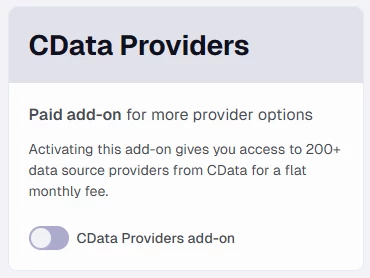
To enable or disable access to CData providers, login to the TDI portal with a user account that has the ‘company admin’ permission and go to Admin > Basic Info. Locate the CData Providers card and click the toggle button.
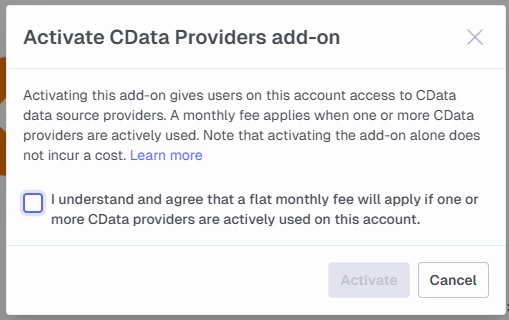
If the setting is off, you will be asked to confirm that you want to enable the add-on. Select I understand (...) and click Activate to enable the feature.
If the setting is on, you will be asked to confirm that you want to disable the add-on. Click Deactivate to disable the feature.