Question

Data refreshing question TX Data Enrichement

  • May 21, 2026
  • 3 replies
  • 33 views

Hi,

We are currently using TX 20.10.80.64 in combination with TX Data Enrichment. TX DE is exposed as a source in the ODX.

When we modify a Custom SQL query via Table Designer → Actions → Source, it appears that the data is not refreshed in Home afterwards. Old columns or outdated row counts are still displayed.

We have configured primary keys (PKs) to define the columns in the Table Designer.

Therefore, we suspect that when we call the ODX source TX DE within TX 20.10.80, the data is not being refreshed from TX DE.

What are we doing wrong?

3 replies

Thomas Lind
Community Manager
Forum|alt.badge.img+5
  • Community Manager
  • June 2, 2026

Hi ​@Timmm 

Data sources in TX is usually used to transfer data from one location to another. It would seem like you try to update the data source instead. How do you do this in the query and how do you run this task?


  • Author
  • Contributor
  • June 2, 2026

@Thomas Lind thank you for your reply. 

TX DESKTOP
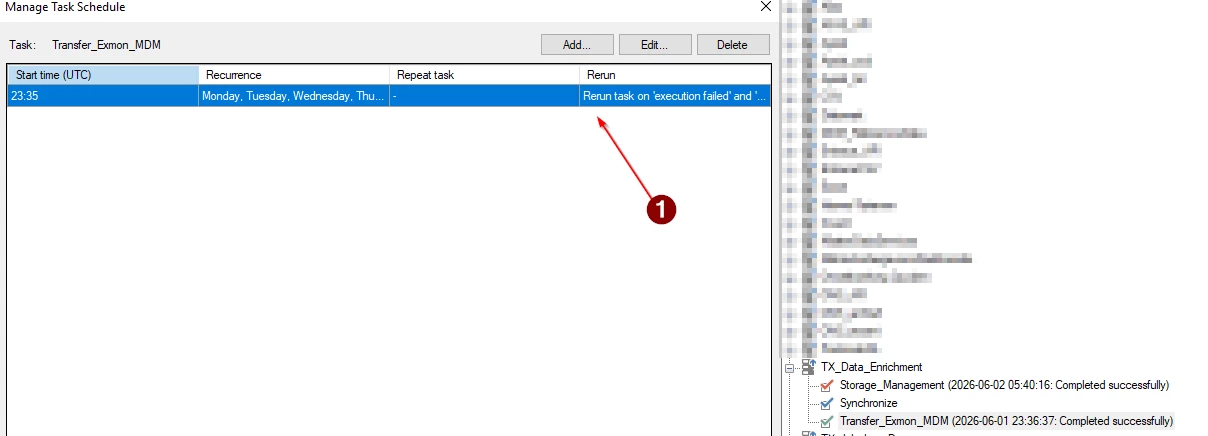
So we have TX Data Enrichement set up in our ODX like this, with a scheduled task on the transfer (1) en and on Storage_Management.


TX Data Enrichement
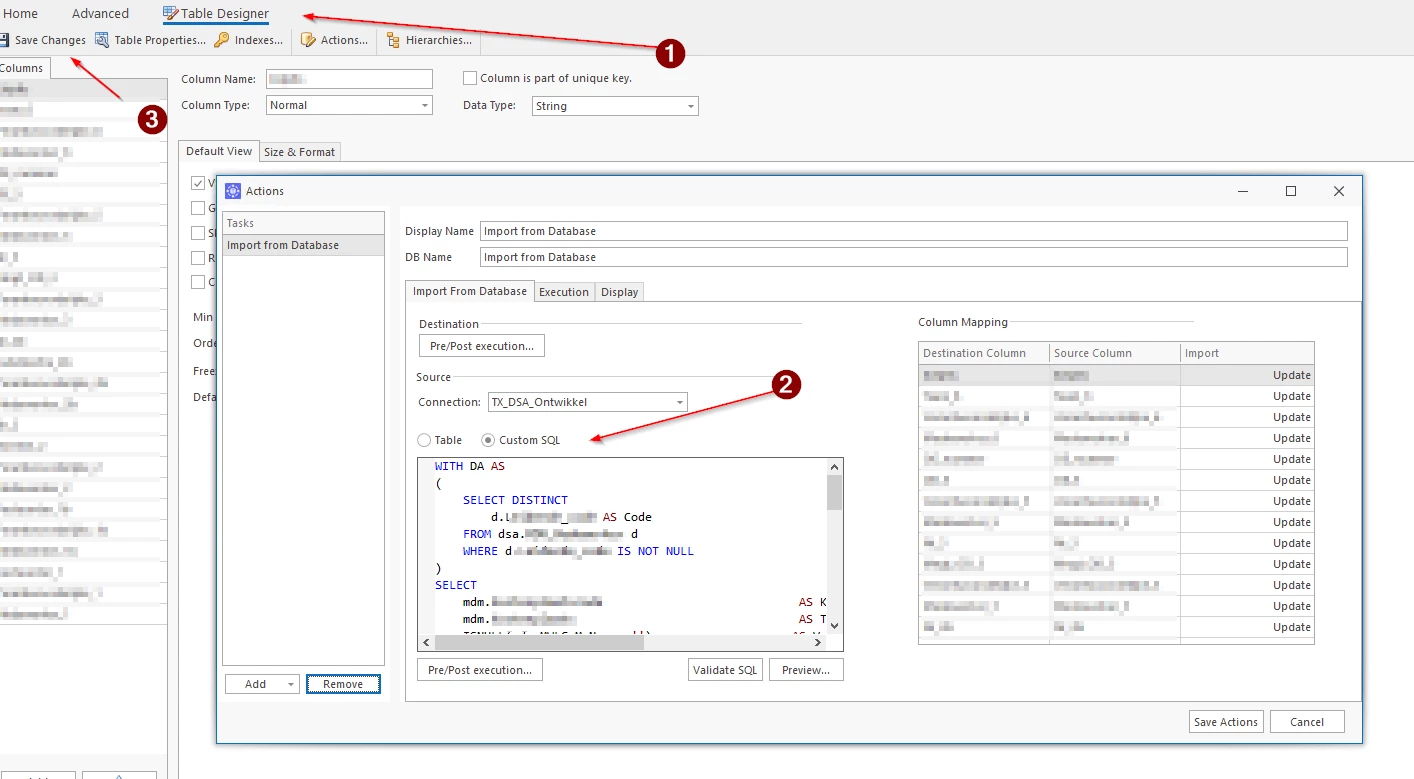
We have set up our table with the table designer (1) with an custom SQL query (2). After we updated this custom SQL query and clicked save changes (3), we navigate to the home screen.

We have a PK on the business keys. 


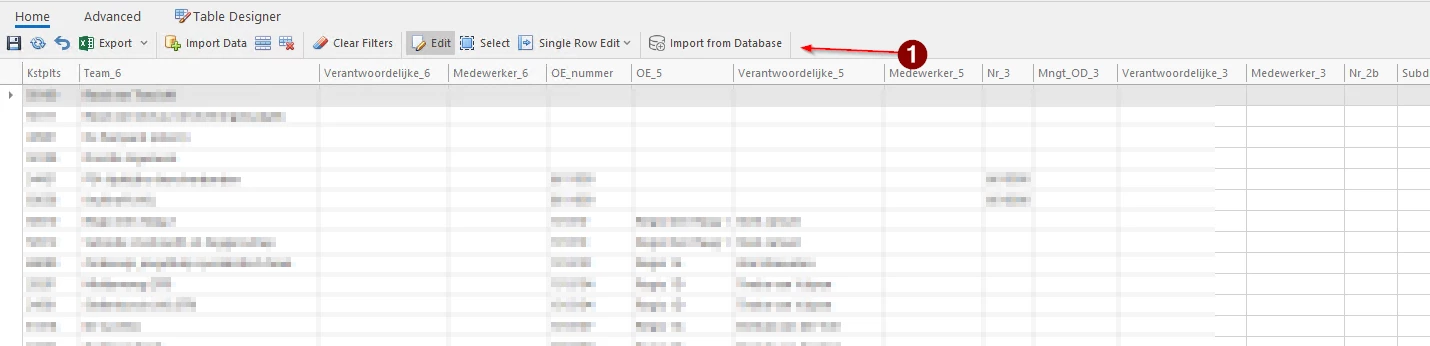
In Home we use the button “import from database (1)” to update the new table. But this does not seem to work. We have to “delete” the old table, paste the new query in custom SQL. 


So essentially we have two issues:

  • We need to delete the table in TX Data Enrichement when we modify a custom query (even with a PK on some columns).
  • It seems that the data source in the ODX is not being refreshed


  • Author
  • Contributor
  • June 8, 2026

Does someone have some tips on this? 

Thanks!