
Question

Not able to connect to Sharepoint List

  • June 2, 2026
  • 5 replies
  • 44 views

jellekosters
Starter

Hello,

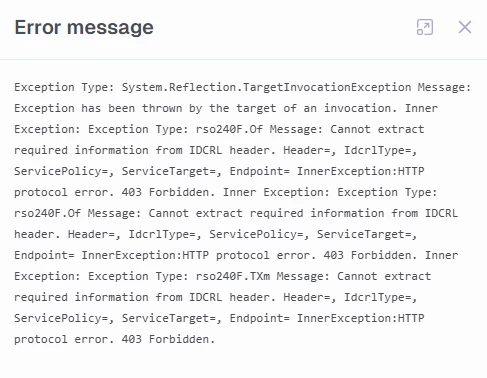
Since about a month ago, I am not able to connect to Sharepoint Lists anymore. When I test the connection, I get the error message as seen in the image below. Authentication wise, I use Auth scheme AzureAD end the Sharepoint edition is Sharepoint Online. I do not use OAuth and I am able to login to the Sharepoint site with the account I use. Is anyone experiencing the same issue or does someone know how this can be solved?

 

5 replies

Thomas Lind
Community Manager
Forum|alt.badge.img+5
  • Community Manager
  • June 3, 2026

Hi ​@jellekosters 

It did work earlier. Do you use CData for this? There are new versions of their providers and sometimes they change them behind the scenes so the only option is to upgrade that version.


jellekosters
Starter
  • Author
  • Starter
  • June 3, 2026

Hi ​@jellekosters 

It did work earlier. Do you use CData for this? There are new versions of their providers and sometimes they change them behind the scenes so the only option is to upgrade that version.

Hi Thomas,

Yes it did work earlier and I use CData. There is no upgrade available, I did upgrade my TimeXtender version but this did not solve it either. 


Thomas Lind
Community Manager
Forum|alt.badge.img+5
  • Community Manager
  • June 8, 2026

Hi ​@jellekosters 

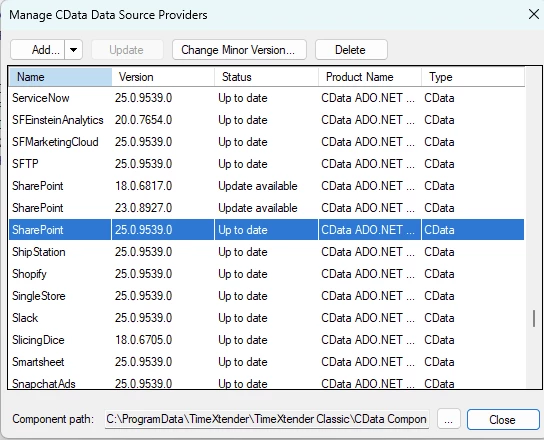
What CData version are you using?

This is the newest available version.


jellekosters
Starter
  • Author
  • Starter
  • June 19, 2026

Hello ​@Thomas Lind 

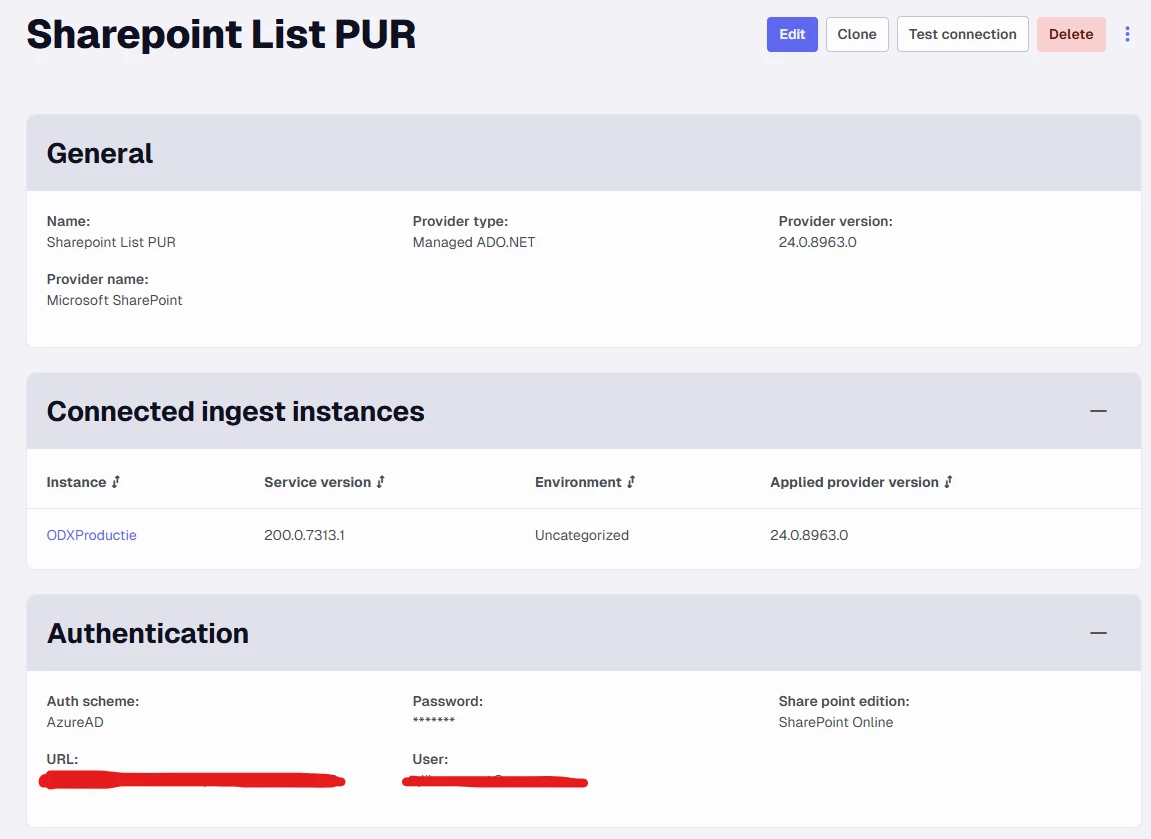
I am not using TimeXtender classic so I am not sure how to access the settings shown in your screenshot. However when I look at the provider version in the portal, it says version 24.0.8963.0. See the screenshot below. 


Thomas Lind
Community Manager
Forum|alt.badge.img+5
  • Community Manager
  • June 23, 2026

Hi ​@jellekosters 

OK. I got a similar data source. 

Here is my connection string

Auth Scheme=OAuth;Callback URL=http://localhost:33333;Disable Filter Limit=True;Initiate OAuth=REFRESH;OAuth Client Id={client id};OAuth Client Secret={client secret};Readonly=True;Schema=REST;Scope=.default;Share Point Edition="SharePoint Online";Show Hidden Columns=True;Show Version Views=True;URL=https://{company name}.sharepoint.com/;Use Entity Type Name=True;Use Simple Names=True

I changed some things. It works for the version you use.

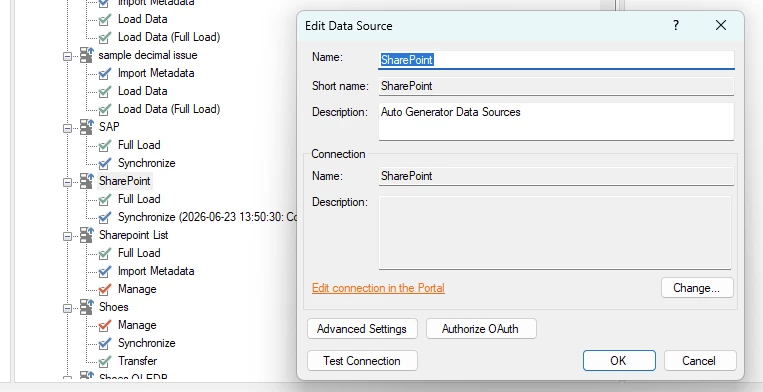
Once you have added the data source it will not work. You need to edit it and click on Authorize OAuth.