

Create a Data Provider Command package
A Data Provider Command package runs SQL against one of the workspace's data provider connections. Use it for the database housekeeping that belongs in the nightly flow rather than in a maintenance plan: rebuilding indexes, refreshing a materialised table, or calling a stored procedure that stamps a load as complete.
It reuses connections you have already defined, so there is no new credential to manage.
Prerequisites
- A data provider connection in the workspace, pointing at a database the command may write to. The command runs with that connection's credentials, so its permissions set the limit on what the package can do.
Two modes
The editor works one of two ways, switched by a toggle:
- Stored procedure, the default. Select a schema, then a procedure, and the editor detects its parameters for you to fill in.
- Custom SQL. Write the statement yourself. The toggle description reads Toggle on to run a custom SQL statement instead of a stored procedure.
Prefer a stored procedure where one exists. The SQL then lives in the database, under source control with the rest of the schema, and the package holds only a call. That way, changing the logic does not mean editing a package, and the statement can be tested in isolation.
Use custom SQL for one-liners and for statements that do not warrant a procedure of their own.
Create the package
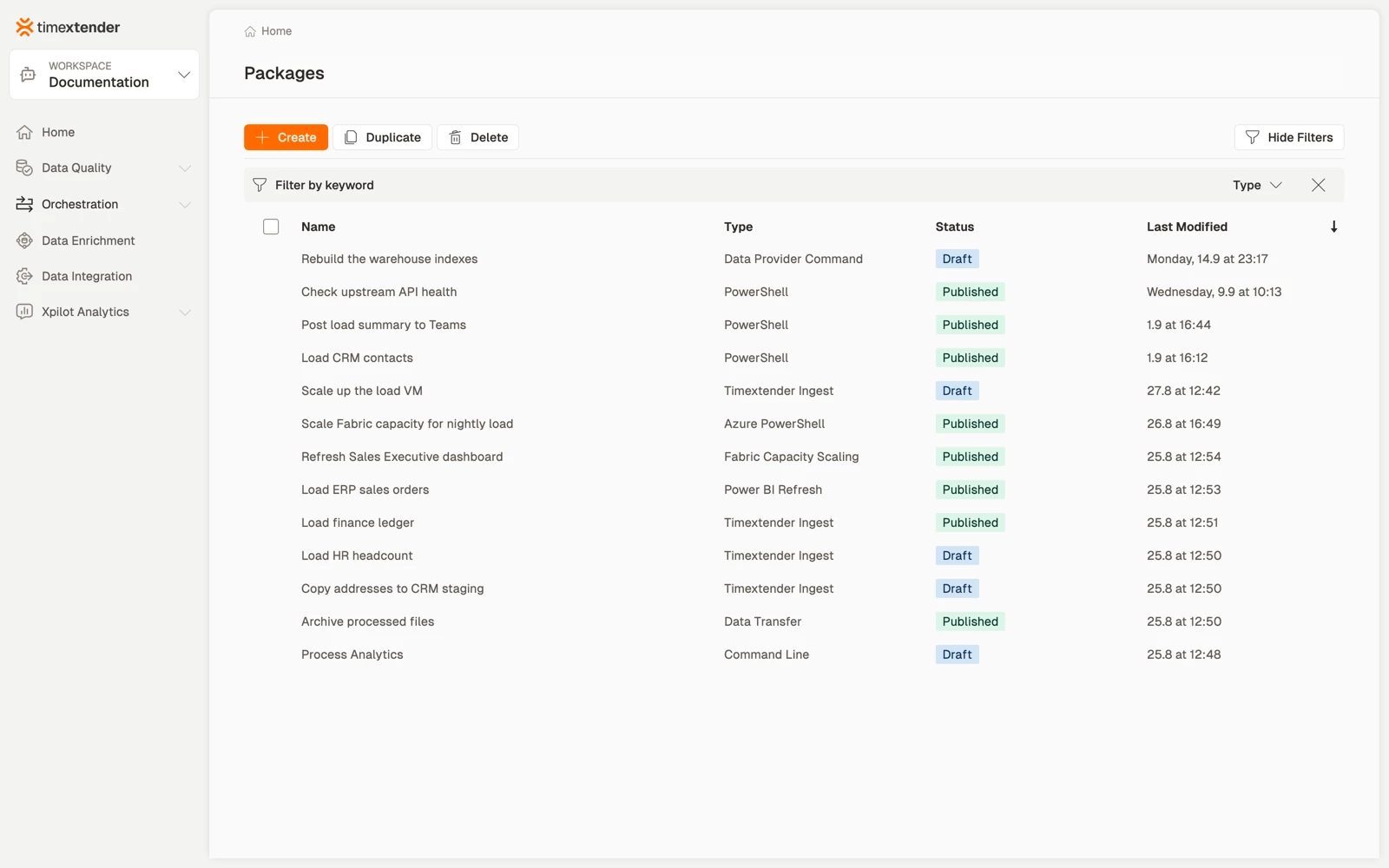
- Go to Orchestration > Packages and select Create.
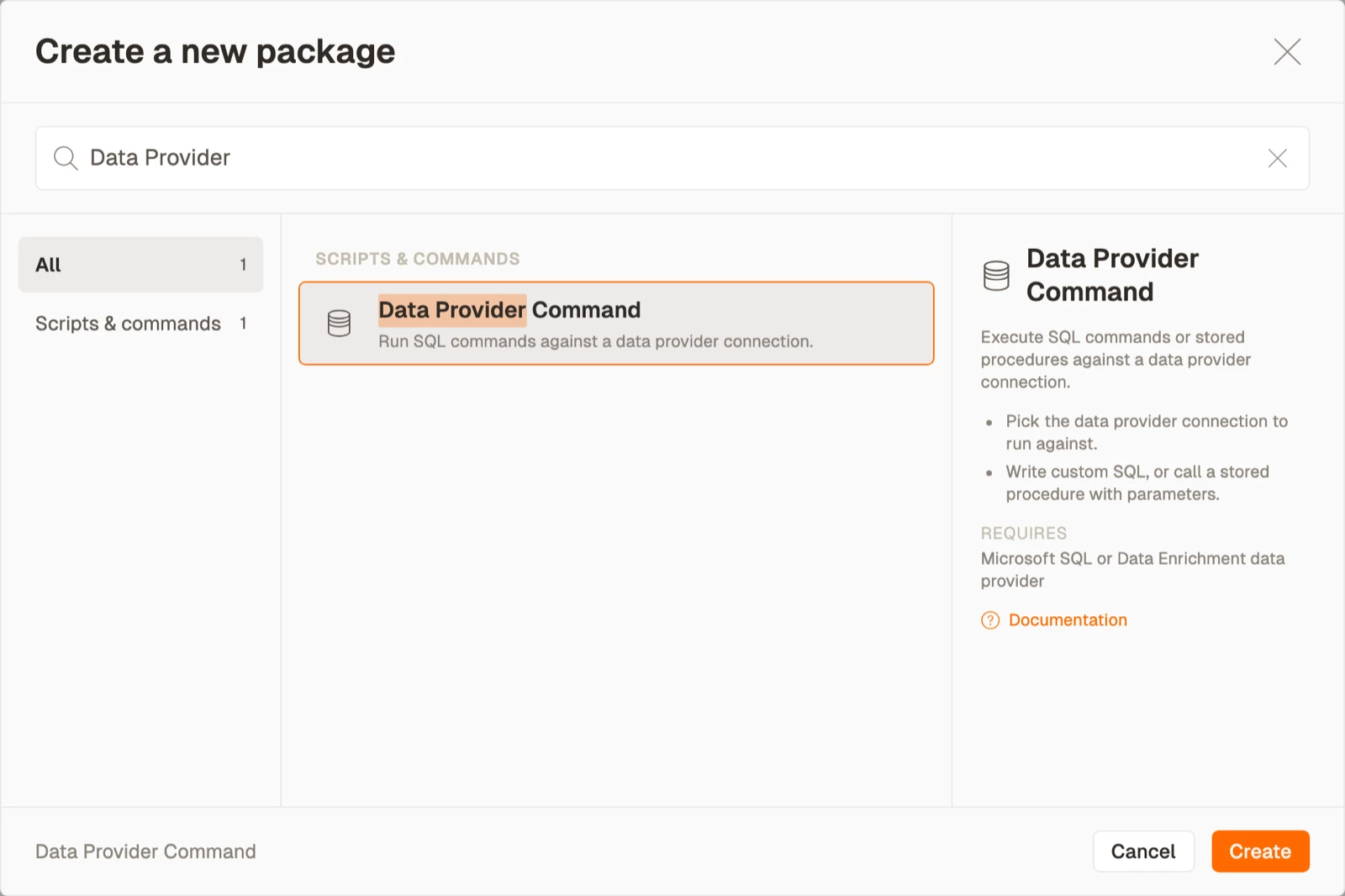
- Select Data Provider Command from Scripts & commands, then select Create.
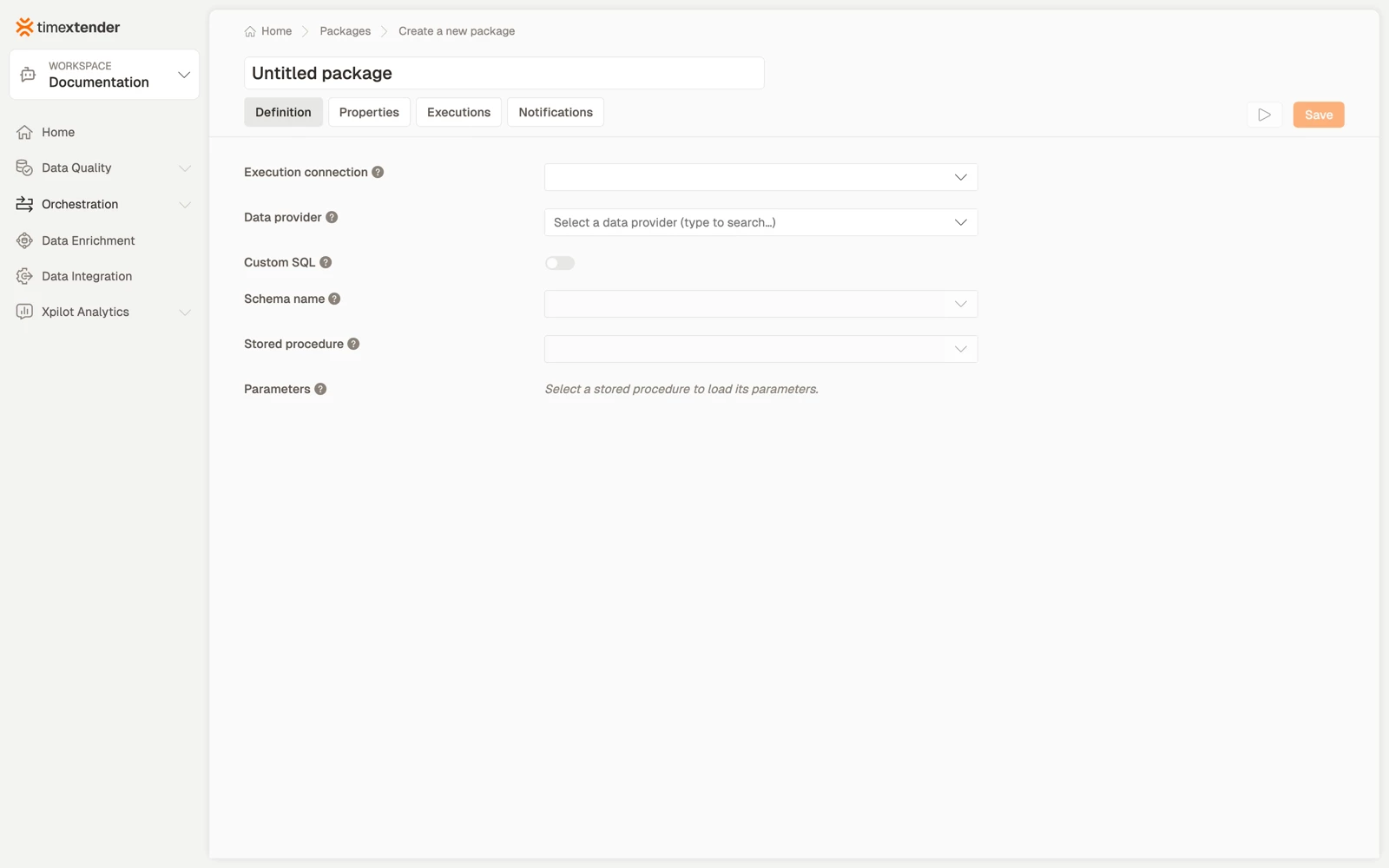
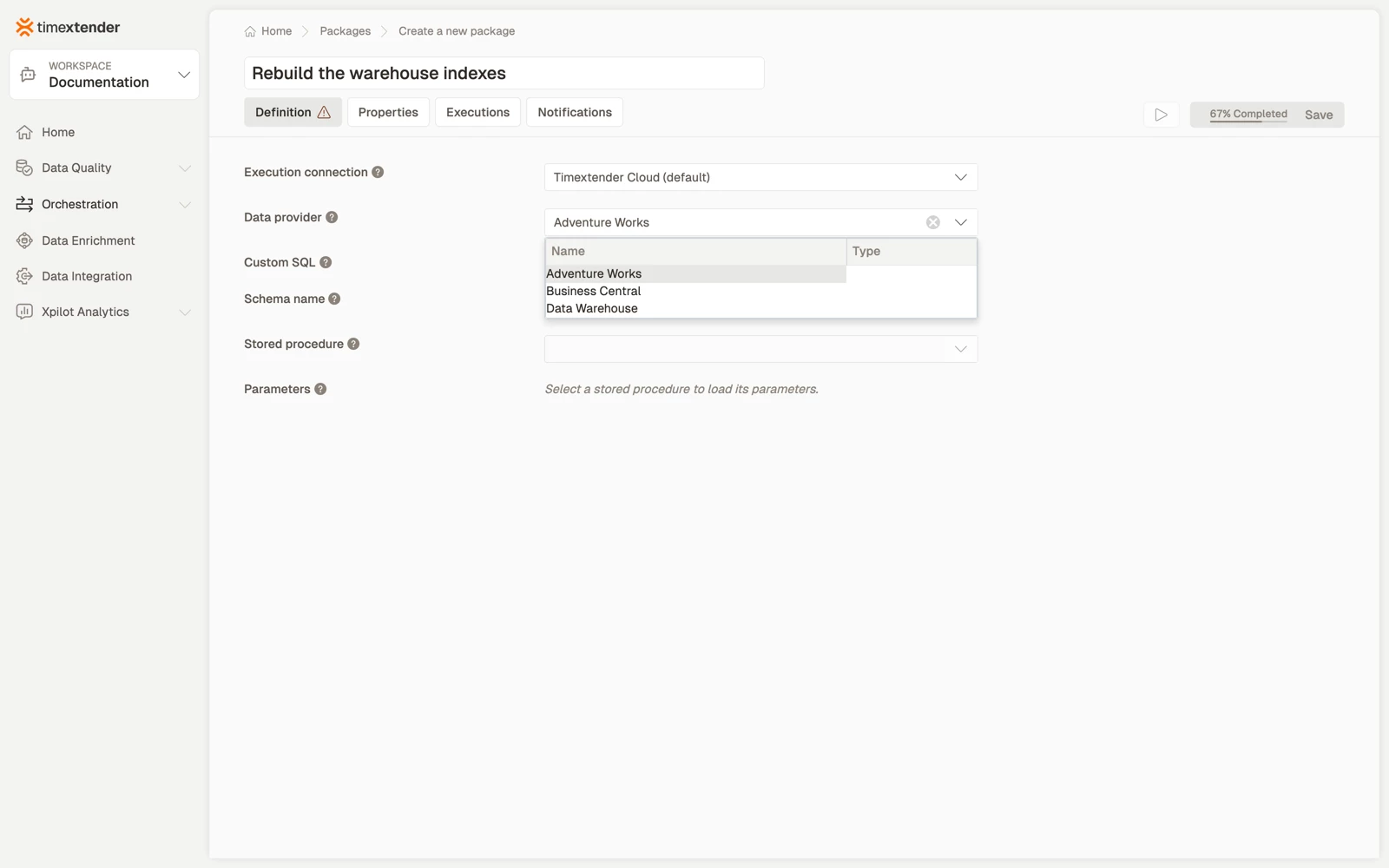
- Enter a name for the package. Name it for the effect, for example "Rebuild the warehouse indexes", rather than for the procedure it calls.
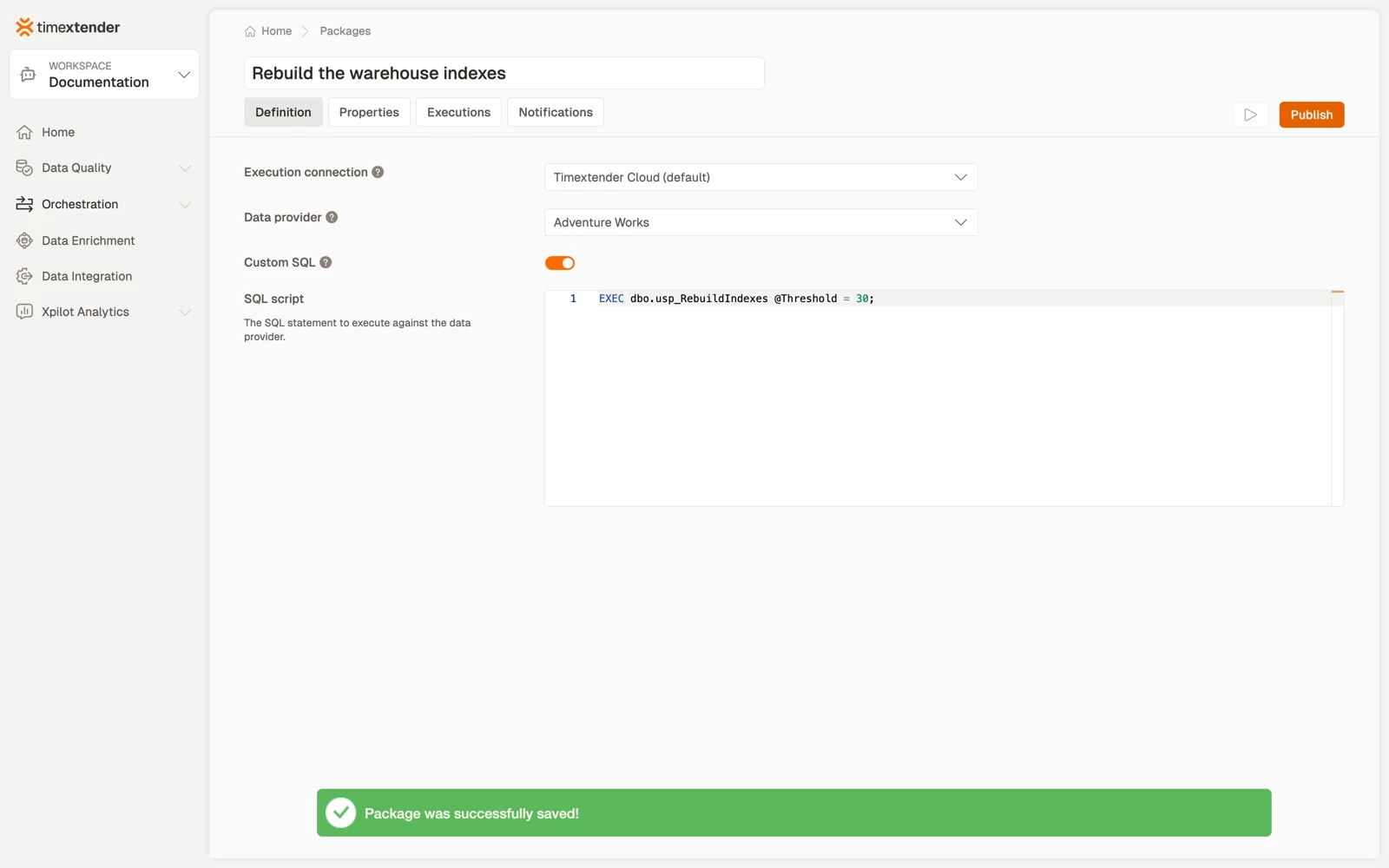
- Select the Data provider connection to run the command against.
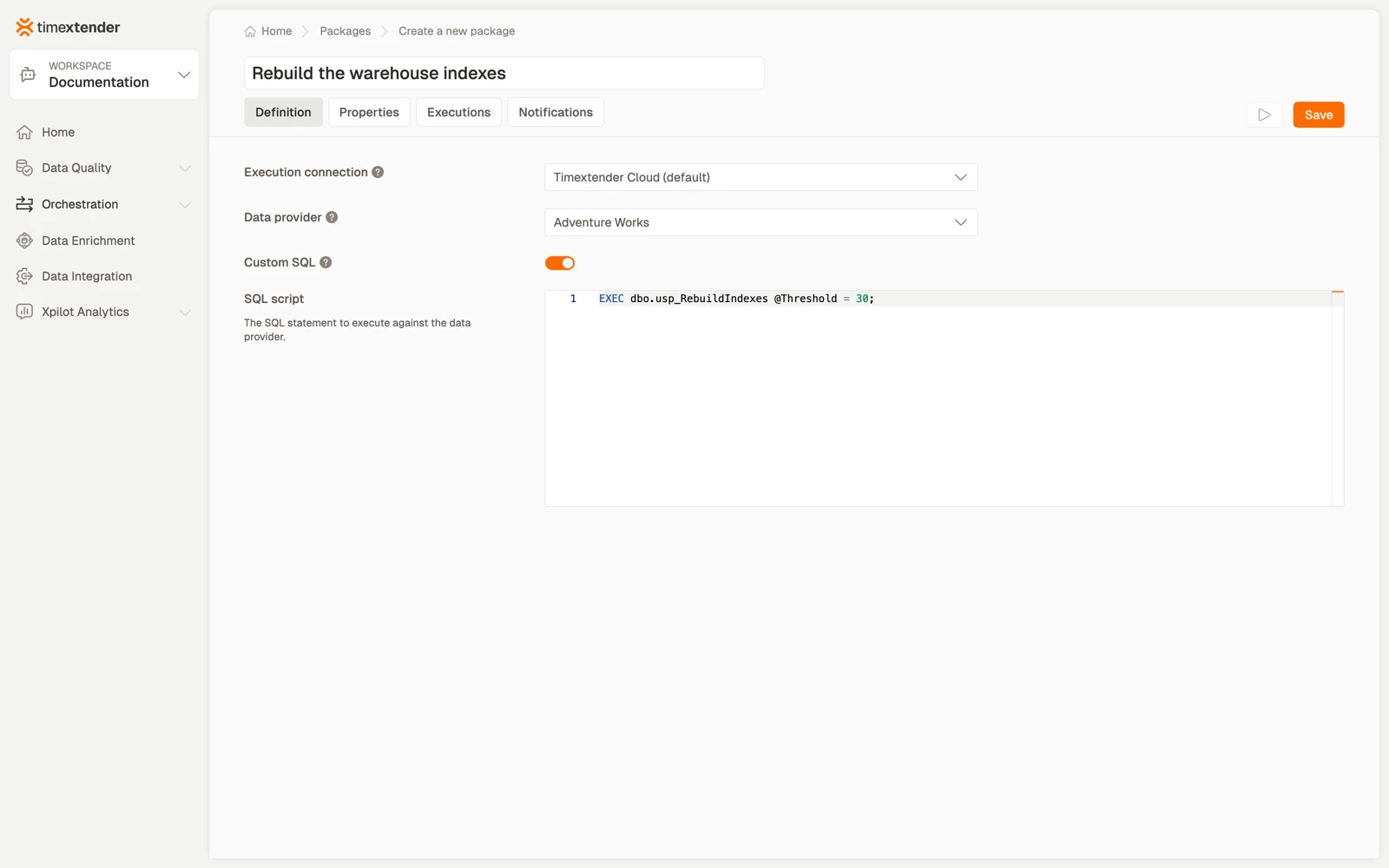
- To write the statement yourself, turn on the custom SQL toggle and enter the statement in the script field.
- In stored procedure mode, select a Schema and a Stored procedure from the lists the editor reads from the connection, then enter values for the parameters it detects.
- Select Save.
Examples
Rebuild indexes after a load, custom SQL
EXEC dbo.usp_RebuildIndexes @Threshold = 30;Stamp a load as complete, custom SQL
UPDATE dbo.LoadControl
SET    LastCompletedUtc = SYSUTCDATETIME()
WHERE  LoadName = 'NightlyWarehouse';
Refresh an aggregate table, stored procedure
Schema dbo, procedure usp_RefreshSalesAggregate, with the parameters the editor detects, typically a date or a batch id. Prefer this shape for anything with logic in it.
Best practices
- Make the command idempotent. Orchestration retries, so a command that fails halfway and cannot safely be re-run turns one bad night into a manual repair.
- Keep long transactions out of a package. A statement that holds locks for twenty minutes will collide with whatever else the flow is doing. Batch it inside the procedure instead.
- Use a connection with only the permissions the command needs. A package that rebuilds indexes does not need to be able to drop tables.
- Keep parameter values in global parameters where they differ between environments, rather than editing the package per environment.
- Say what it does in the description. Enter it under Properties > Description, because
EXEC usp_RebuildIndexesis not self-explanatory to whoever is on call.
Troubleshooting
The schema or procedure list is empty in stored procedure mode. The connection's credentials cannot read the database's metadata. Listing procedures needs catalog read permission, which a login scoped only to specific objects may lack.
Permission denied at run time, but the lists populated. Reading metadata and executing are different rights. Grant EXECUTE on the procedure, or the write permission the statement needs.
Save is unavailable. Hover Save. In custom SQL mode it needs a statement; in stored procedure mode it needs a schema and a procedure, and every parameter needs a name and a type.
A parameter value will not save. Parameter values are limited to 100 characters: "Value must be 100 characters or fewer." Move a long value into a global parameter, or into the procedure as a default.
Reference
Fields
| Field | Required | Notes |
|---|---|---|
| Execution connection | No | Use 'Timextender Cloud' for cloud-hosted execution |
| Data provider | Yes | The connection the command runs against |
| Custom-script toggle | n/a | Switches between stored procedure and custom SQL |
| SQL script | In custom mode | The statement to execute |
| Schema / Stored procedure | In procedure mode | Read from the connection |
| Parameters | If the procedure has them | Detected automatically; you supply values |
Validation messages: Please select an O&DQ Gateway, Please select a data provider, Please enter a SQL script, Please enter a schema name, Please enter a stored procedure, Every parameter needs a name and type, and Value must be 100 characters or fewer.
Versioning of parameters
Command parameters are stored per package version, so editing a published package does not retroactively change what earlier versions ran with.
Related articles
- Packages overview
- Create a Data Transfer package, for moving data rather than commanding a database
- Import/export table SQL script
