

Create a TimeXtender Prepare package
A Timextender Prepare package runs a prepare execution package in TimeXtender Data Integration, the transformation step that shapes data already in the data estate into something reportable.
The package holds a reference to the TimeXtender Data Integration object, not a copy of it. If you change what the execution package does inside TimeXtender Data Integration, this package runs the new version.
Three stages, three package types. Prepare sits between Ingest and Deliver. It assumes the data is already in the estate, so it is usually ordered after an Ingest package and before a Deliver one. All three are configured the same way: choose a TimeXtender Data Integration connection, then choose the execution package to run.
Prerequisites
- A TimeXtender Data Integration connection in the workspace. Selecting the connection loads the execution packages available in that instance, so if the list is empty, check the connection first.
Create the package
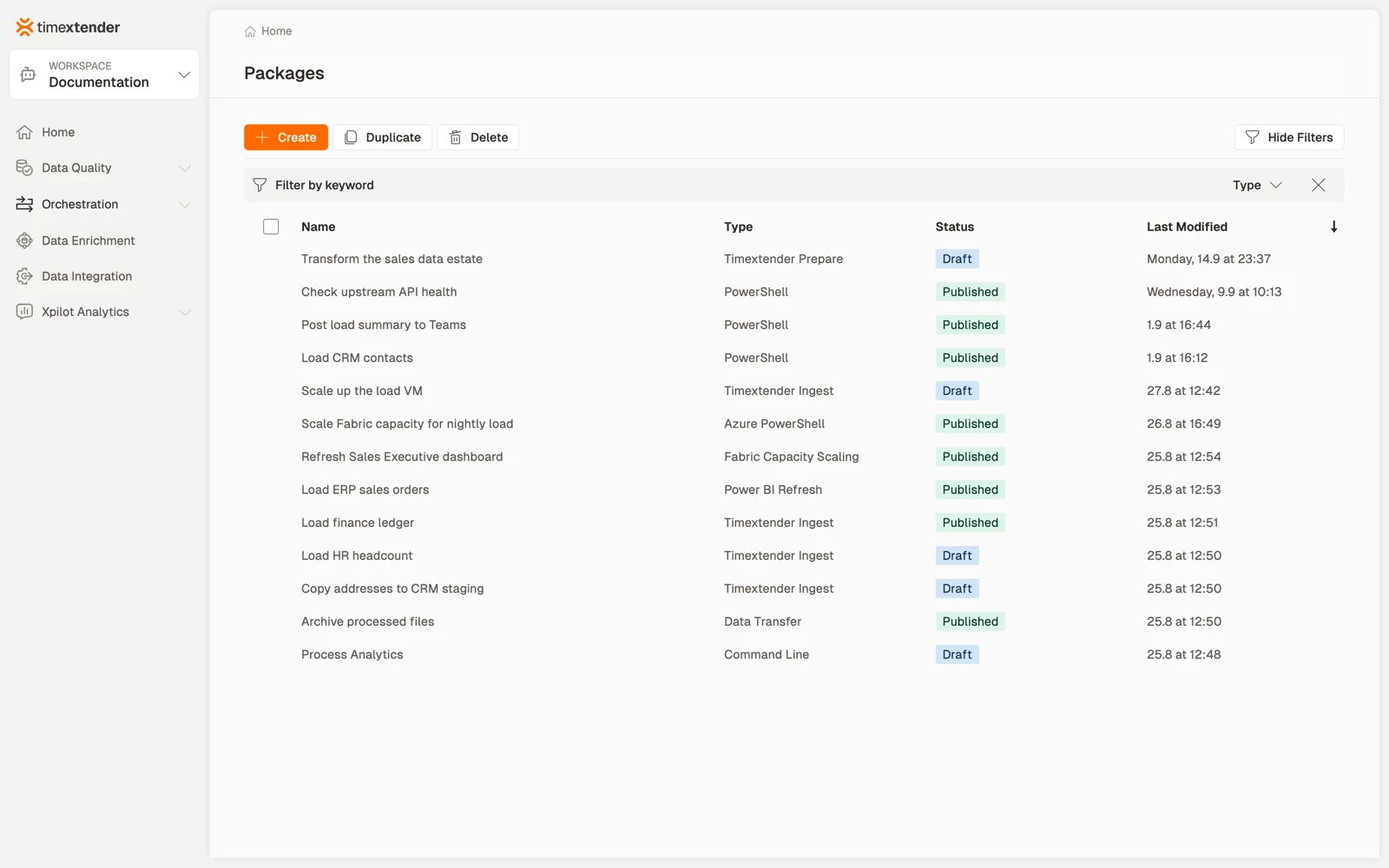
- Go to Orchestration > Packages.
- Select Create.
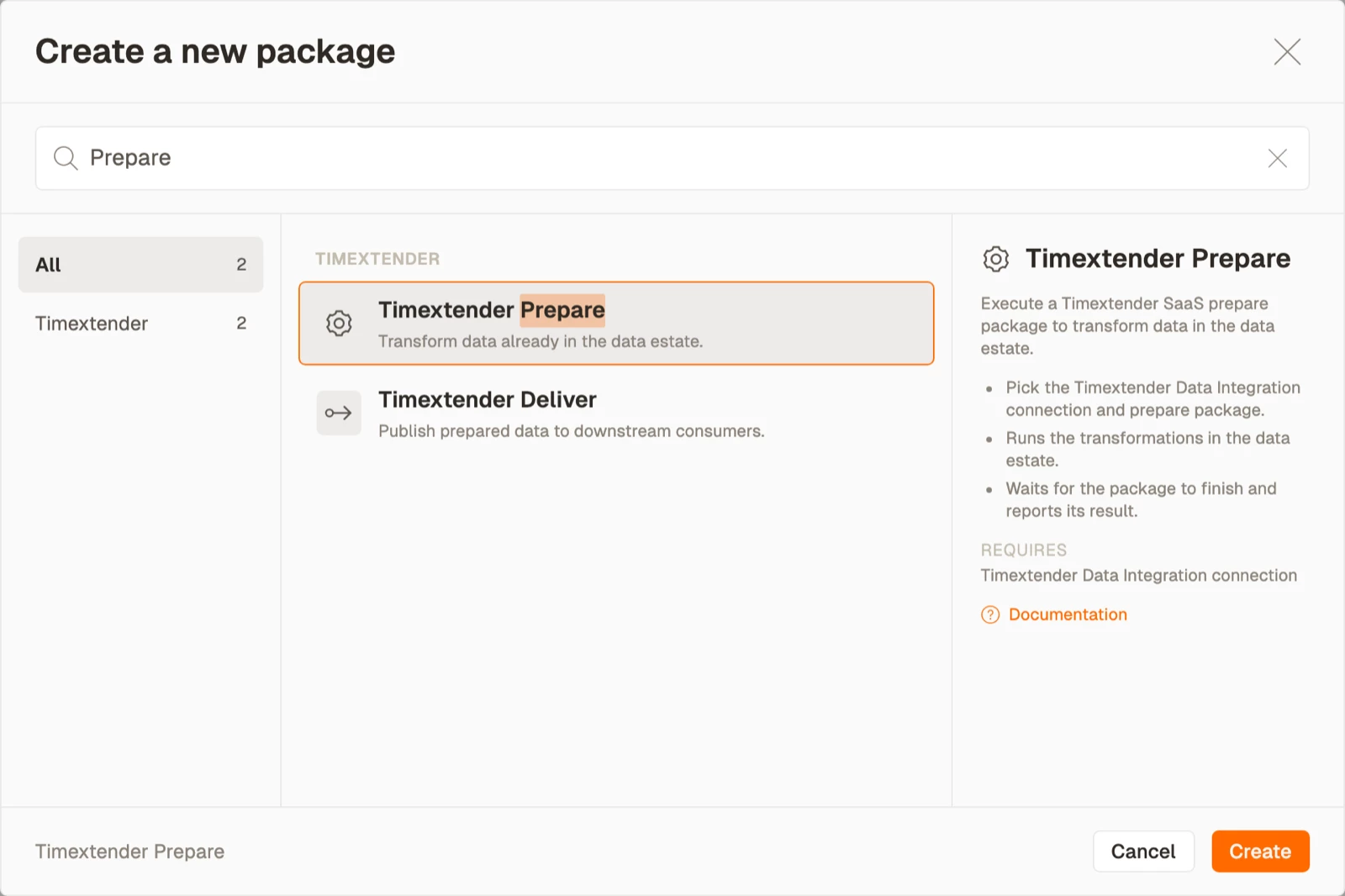
- Select Timextender Prepare package in the Timextender area.
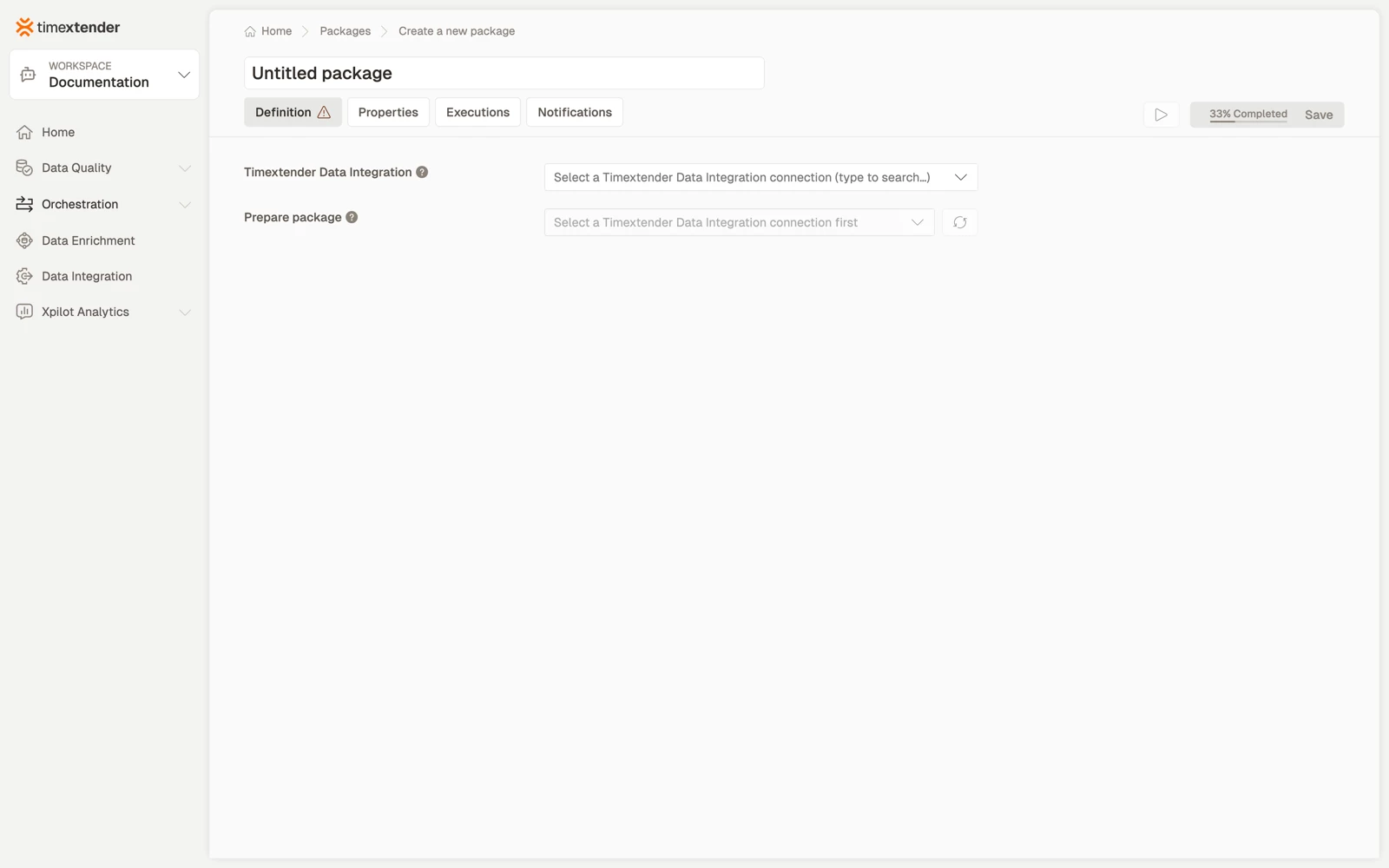
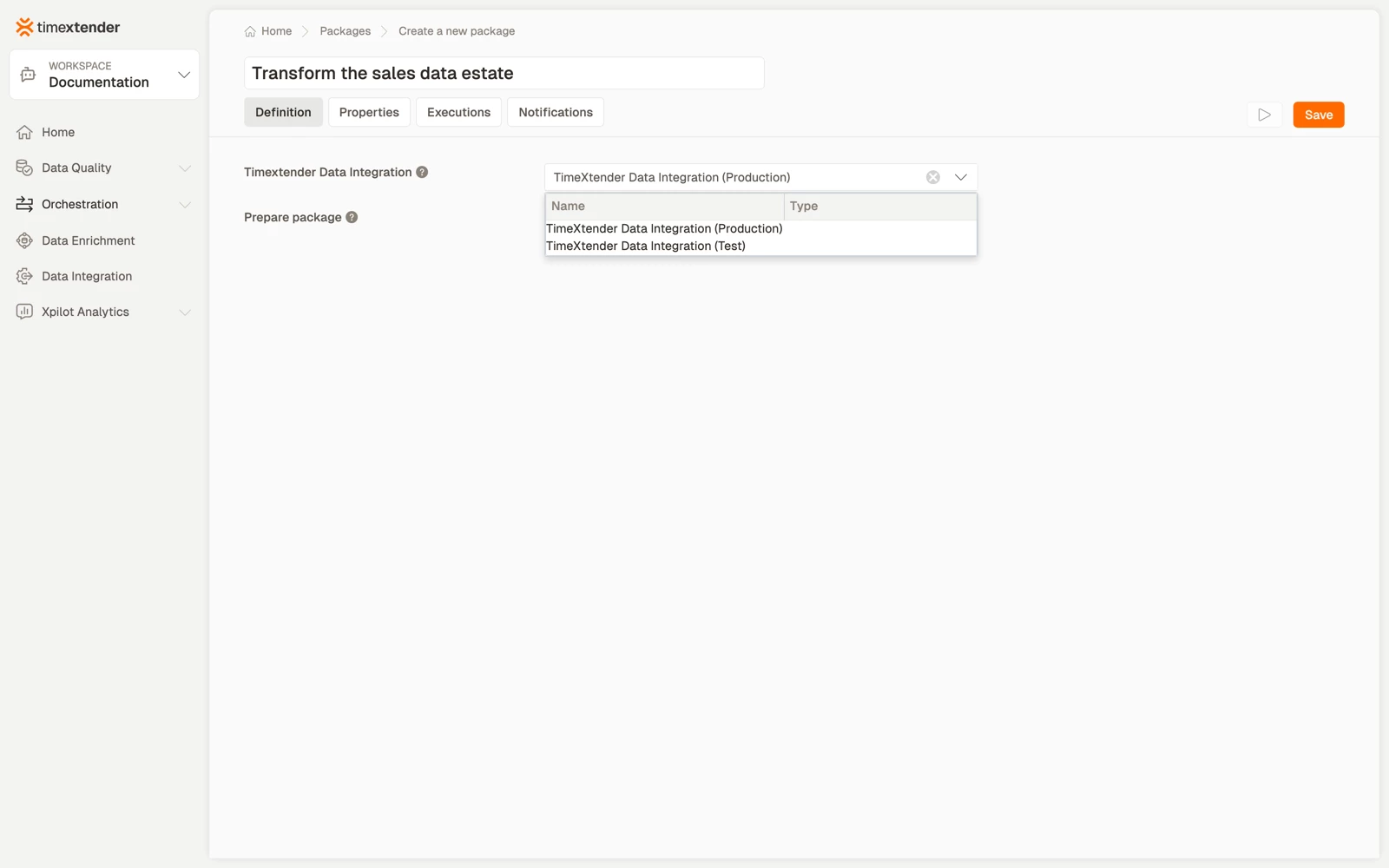
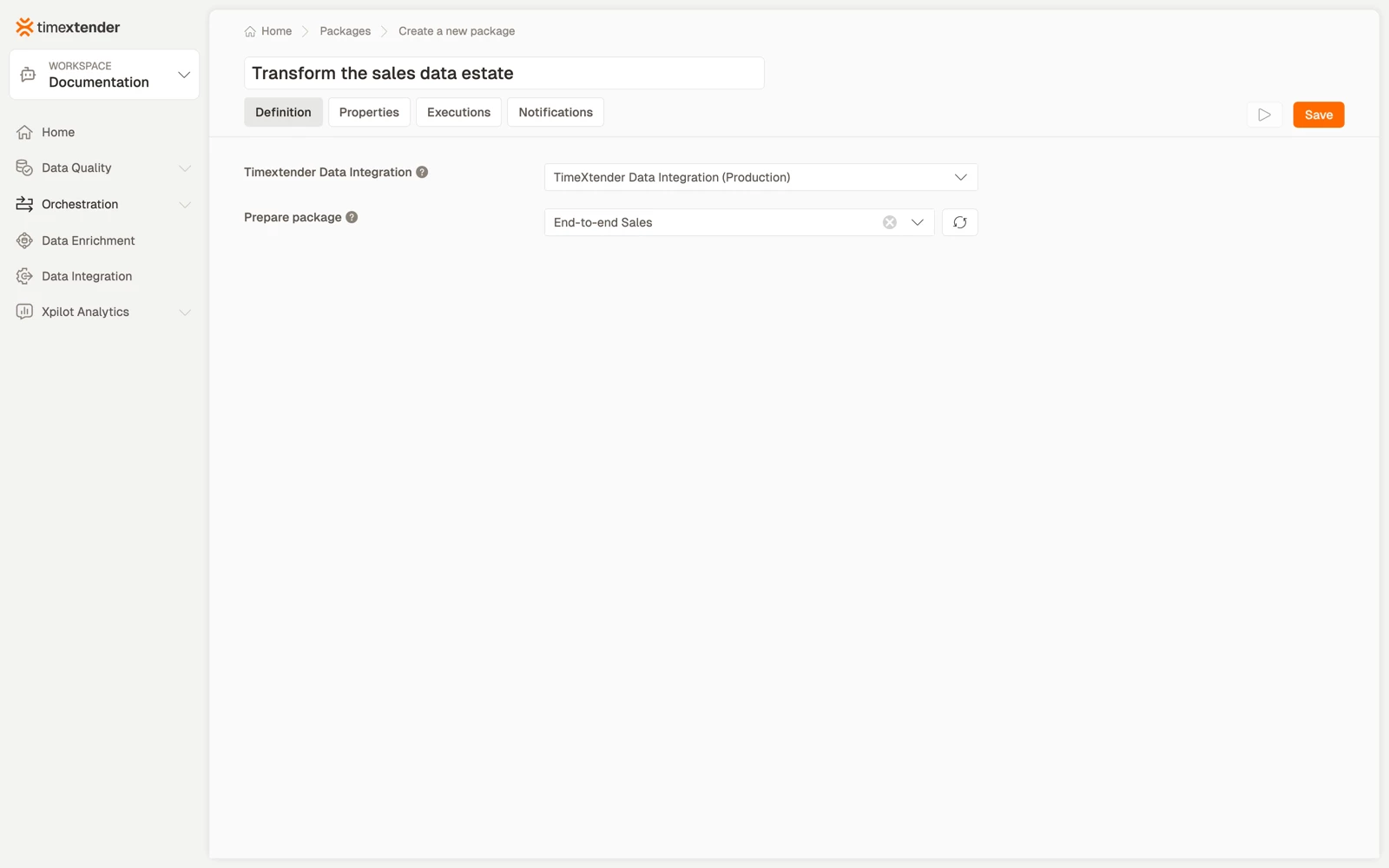
- Enter a name for the package. Name it for what it achieves, for example Transform the sales data estate.
- In Data provider, select the TimeXtender Data Integration connection to use.
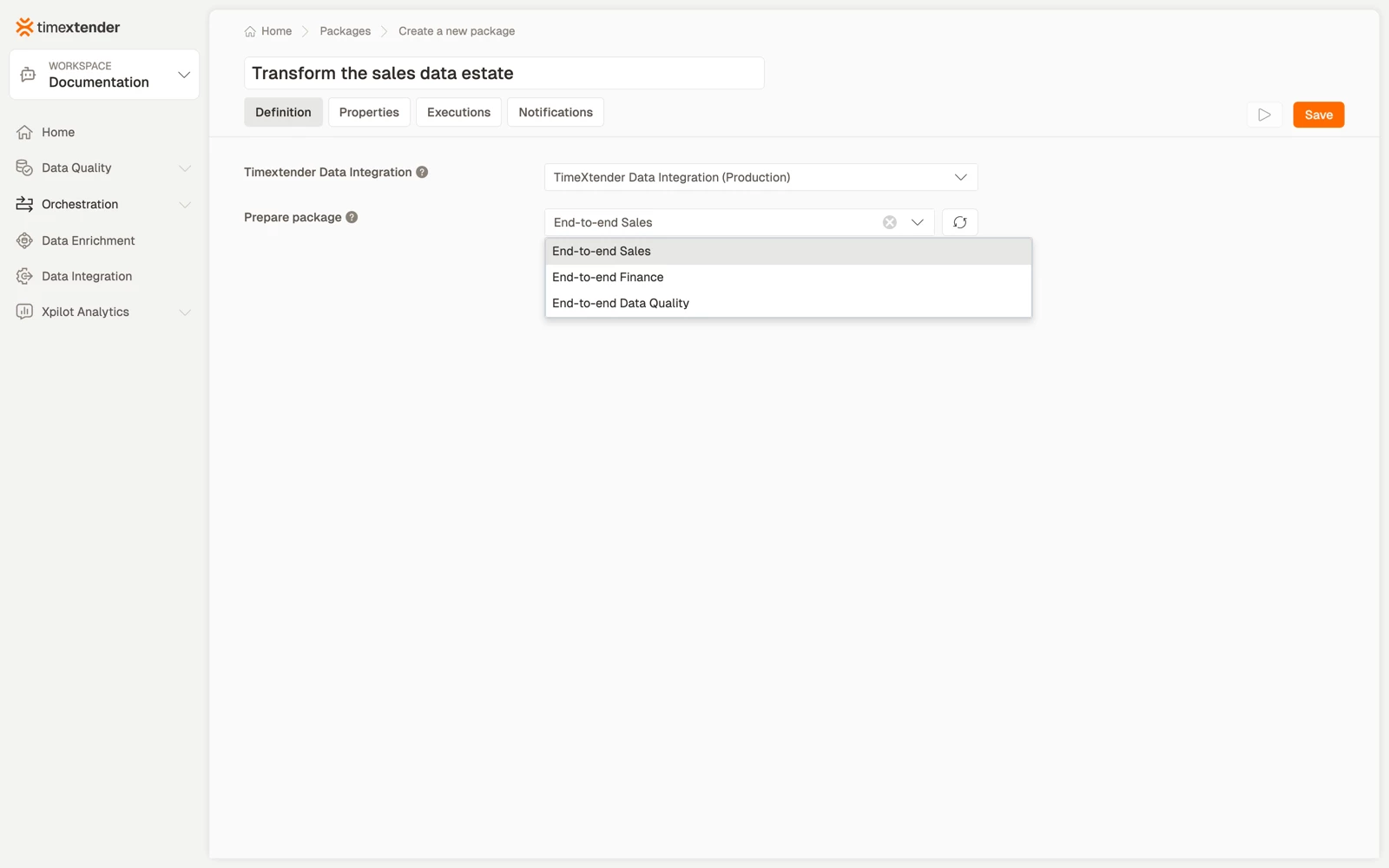
- In Execution package, select the prepare package to run. The list is read from TimeXtender Data Integration for the selected connection.
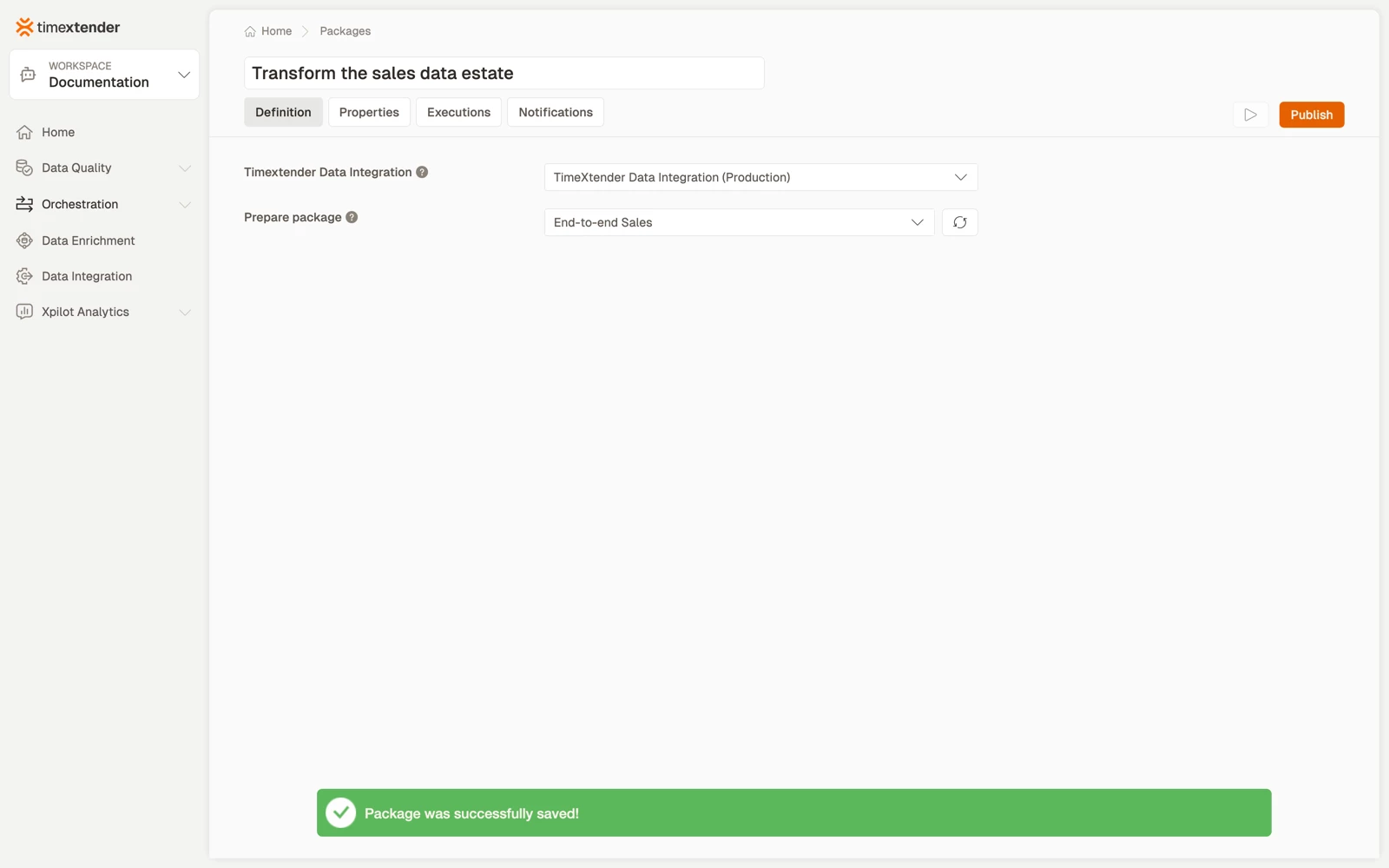
- Select Save.
The refresh button beside the Execution package field re-reads the list, which you need after creating an object in TimeXtender Data Integration while this page was open.
Best practices
- One package per task. A single package runs one TimeXtender Data Integration object. Use a process map to order several of them.
- Mirror the TimeXtender Data Integration pipeline in your process map. Ingest, then Prepare, then Deliver, with dependencies between them, so a failed ingest stops the transform instead of transforming yesterday's data.
- Name the package for the business outcome, not for the TimeXtender Data Integration object. Load ERP Europe reads better in a schedule than the task's internal name.
- Keep one TimeXtender Data Integration connection per environment and select the right one per package, rather than repointing a single connection when promoting.
Troubleshooting
The task picker is empty, with a message about fetching instances. The data provider is new and its instances have not been fetched and mapped yet. The message reads "Fetch and map instances on this Data Provider before adding packages." On the data provider, select Fetch Instances, map the instances, for example DEV and PROD, and save. The tasks then appear, each listed once, under the Instance Group column.
The same task is listed several times, once per instance. The data provider has no instance mapping. Fetch and map its instances to collapse the duplicates. A package already bound on such a provider keeps its saved selection when you reopen it.
The execution package list is empty. The connection cannot reach TimeXtender Data Integration, or its API key has been revoked. Check the data provider, then select the refresh button beside the field.
The list loads but the package I want is missing. It may not exist in the instance this connection points at. Check whether the connection is for Test while the object was created in Production.
A package that worked now fails with an authentication error. The TimeXtender Data Integration API key on the data provider has expired or been rotated. Fix it on the data provider. Packages pick up the new value without being edited.
The execution package was renamed in TimeXtender Data Integration. The package stores the reference it was configured with. Open the package, select the object again from the refreshed list, and save.
Reference
| Field | Required | Notes |
|---|---|---|
| Data provider | Yes | Select the Timextender Data Integration connection to use. |
| Execution package | Yes | The Timextender Data Integration prepare package to execute. Has a refresh button. |
Validation messages: Please select a Timextender Data Integration connection and Please select a prepare package.
Related articles
- Packages in TimeXtender Data Platform
- Create a Timextender Ingest package
- Create a Timextender Deliver package
- Running a TimeXtender Data Integration execution in Turnkey
- Orchestrating TimeXtender Data Integration
