

Create an Azure Databricks package
An Azure Databricks package runs an existing job on a Databricks workspace and can pass it parameters. Use it when the notebook or pipeline logic belongs in Databricks but its place in the nightly sequence belongs in orchestration.
Two permission systems are involved. Azure RBAC gets the service principal as far as the workspace. Seeing a job listed inside that workspace needs permission on the job itself, granted in Databricks. A workspace that lists with an empty job list means the second grant is missing.
Prerequisites
- An Azure App Registration data provider in the workspace.
- The principal able to enumerate resource groups. The selection chain cannot get past that field otherwise, because it accepts a selection only.
- The principal granted access to the job in Databricks.
- A job that already exists. This package type triggers jobs, it does not define them.
The selection chain
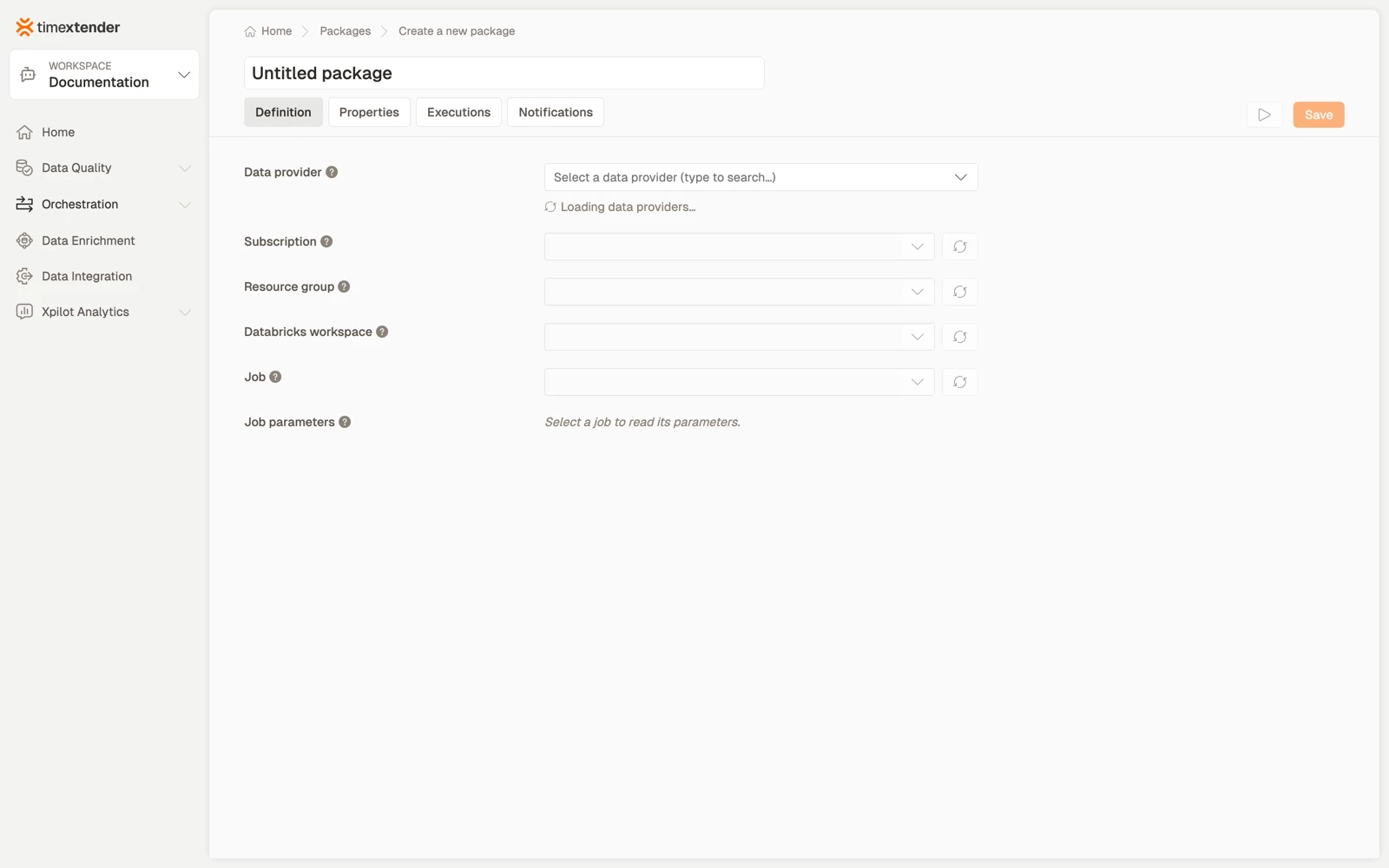
Each field loads the next: Data provider > Subscription > Resource group > Databricks workspace > Job, then the optional job parameters.
The Databricks workspace field lists the workspaces that host jobs. Select a resource group first to load its workspaces.
Job parameters
Once a job is selected, its parameters are read from the job definition and listed for you to fill in. Leave a value empty to use the job's own default.
That last part is the useful bit. You do not have to restate every parameter: override only what differs for this package, and the job's own defaults cover the rest. It also means a parameter added to the job later does not break the package.
Create the package
- Go to Orchestration > Packages.
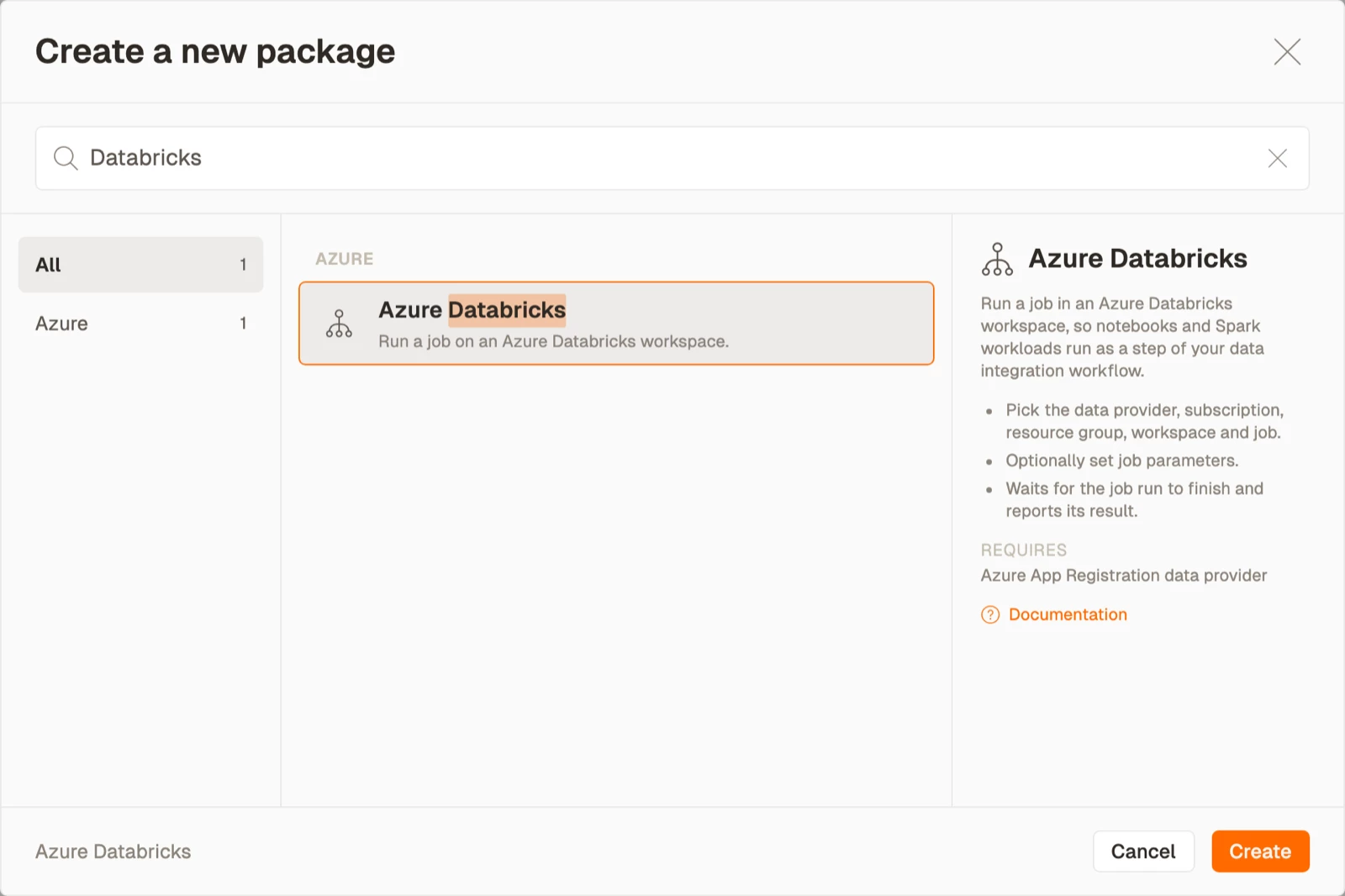
- Select Create, then select Azure Databricks from the Azure area.
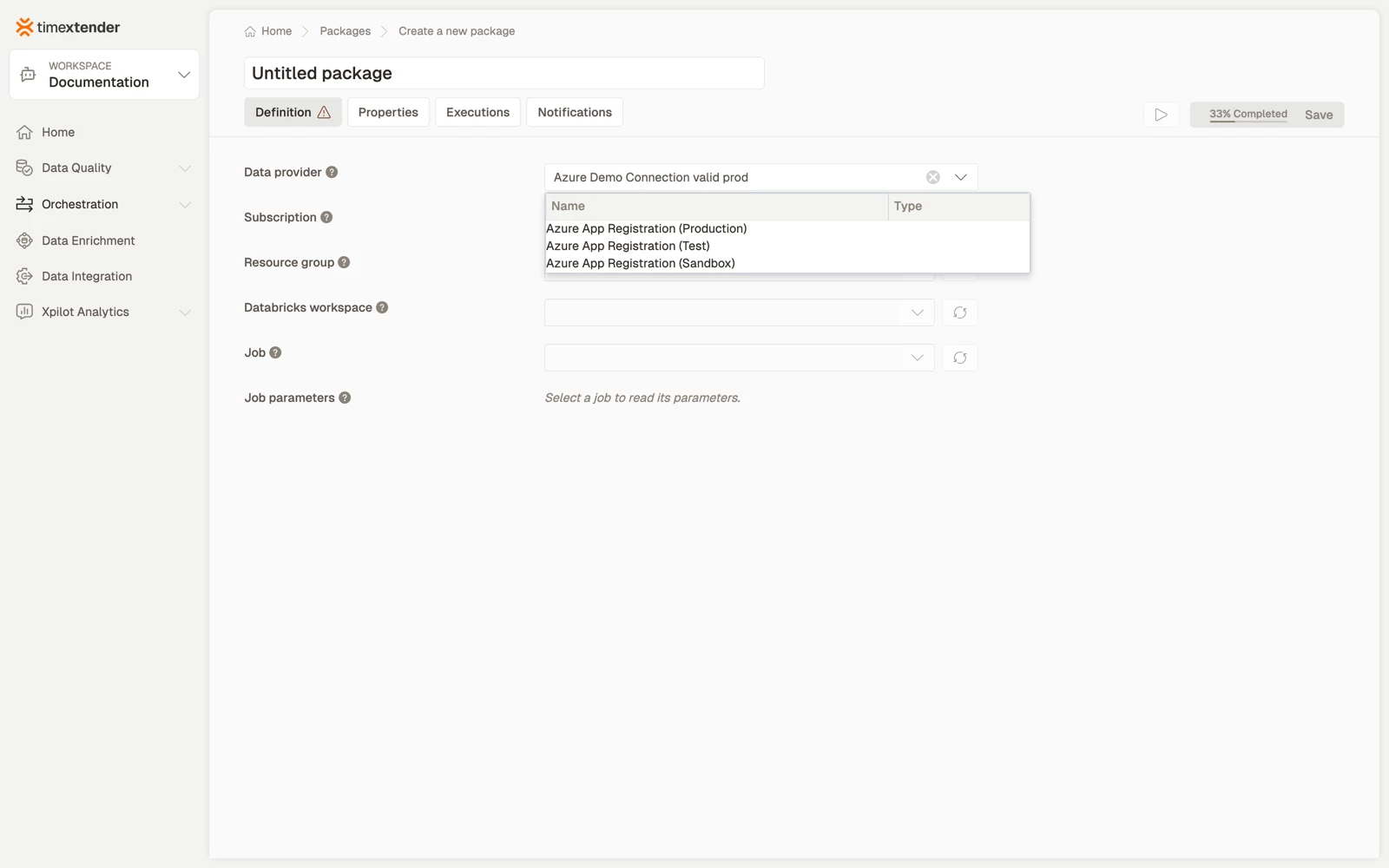
- Select a Data provider. This is the Azure App Registration whose service principal authenticates against Azure and Databricks.
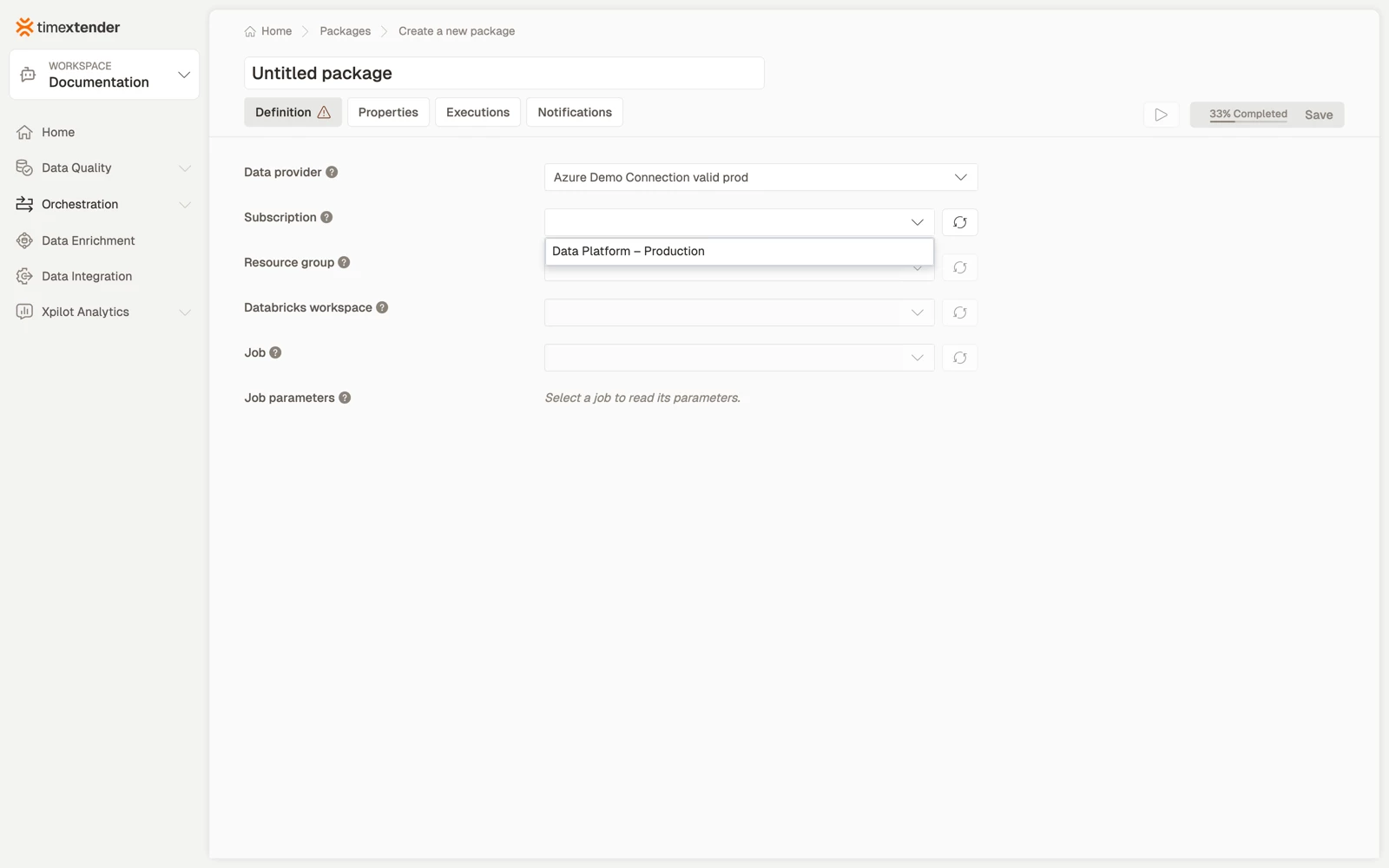
- Select the Subscription.
- Select the Resource group, then the Databricks workspace, then the Job. Each list loads from the selection above it.
- Enter values for the job parameters you want to override, and leave the rest empty.
- Select Save. The package is stored as a Draft.
Best practices
- Override the minimum. Leaving a parameter empty uses the job's default, which keeps the package working as the job evolves.
- Keep secrets out of job parameters. Use a Databricks secret scope, or a TimeXtender global parameter if the value has to come from orchestration.
- Give the job a stable name. The package stores a reference, so renaming the job in Databricks means selecting it again here.
- Allow for cluster start-up in your timeout. A job on a cold job cluster can spend several minutes starting before any work happens.
Troubleshooting
The resource group list is empty. Grant the principal subscription level Reader, or Microsoft.Resources/subscriptions/resourceGroups/read. Until then the package cannot be completed, because the field accepts a selection only.
The workspace lists but the job list is empty. Permission on the job is missing in Databricks. Azure RBAC on its own does not cover it.
The message The selected … no longer exists in Azure. Please select another. Something the package referenced was deleted or renamed. Select it again from the refreshed list. The message names which level of the chain is affected.
A parameter you set is ignored. Check that the name matches the job's parameter exactly. An unmatched name is not reported as an error, it is simply not used.
Reference
| Field | Required | Notes |
|---|---|---|
| Data provider | Yes | Azure App Registration |
| Subscription | Yes | Fetched for the provider |
| Resource group | Yes | Fetched for the subscription. Selection only |
| Databricks workspace | Yes | Fetched for the resource group |
| Job | Yes | Fetched from the workspace. Needs job permission |
| Job parameters | No | Read from the job. An empty value uses the job's default |
Validation messages: Please select a data provider, Please select a subscription, Please select a resource group, Please select a Databricks workspace, Please select a job, and The selected {level} no longer exists in Azure. Please select another.
Related articles
- Packages overview
- Azure Databricks package in TimeXtender Orchestration
