SUBMITTED

Add Logging for Retries

  • June 1, 2023
  • 10 replies
  • 70 views

erik.van.mastrigt
TimeXtender Xpert
Forum|alt.badge.img+3

Sometimes we face issues with connectivity to Azure SQL Database during overnight executions. Sadly not all of them are reported by Microsoft, but sometimes resource health issues can be found in Azure Portal. For instance:
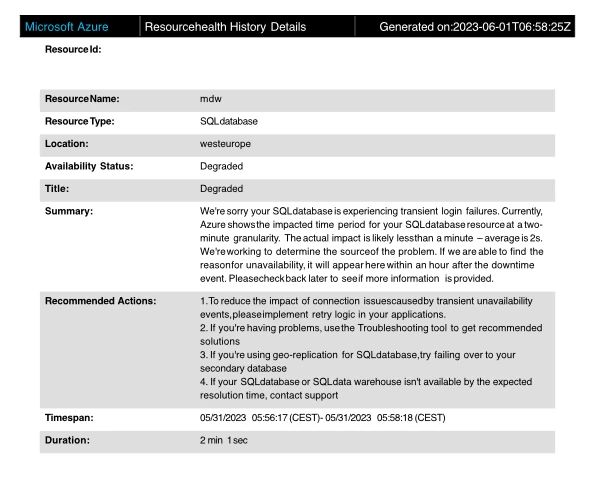
 

In such cases, a typical error message in TimeXtender will say ‘Physical connection is not usable’.

A transport-level error has occurred when receiving results from the server. (provider: Session Provider, error: 19 - Physical connection is not usable)
Module: .Net SqlClient Data Provider
System.Data.SqlClient.SqlException


As Microsoft also suggest, we use the retry function on TX execution packages:

 

So when Azure SQL Database fails, I expect TimeXtender to initiate a new attempt after three minutes of delay. However, there seems no place/log where I can check if a retry actually happened. Following the execution logs, I have a strong feeling that the execution stopped after the first error.
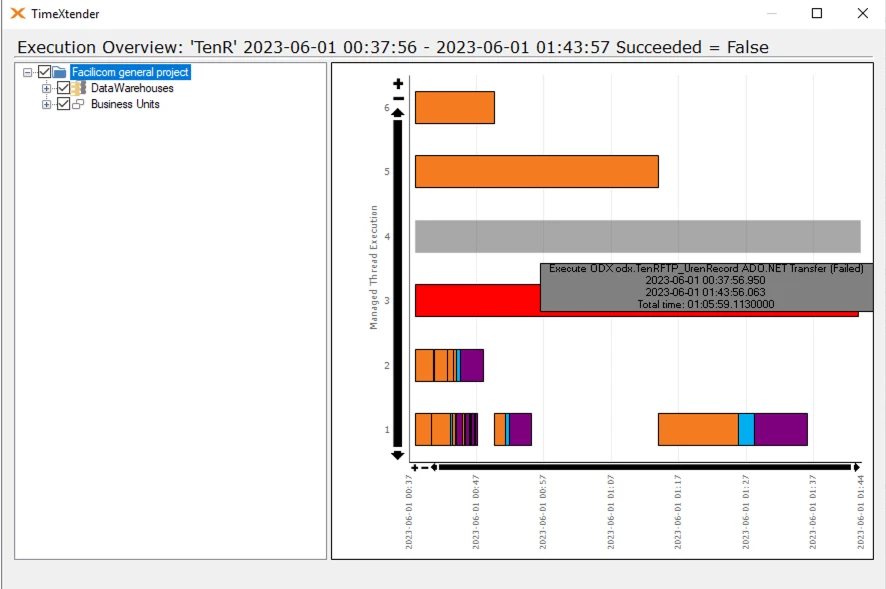
 

In this example we use TX 20.10.39 with Business Units and CData CSV provider 22.0.8417.

Did TX actually perform a retry, and where to check?

10 replies

Forum|alt.badge.img+1
  • Employee
  • June 2, 2023

Hi Erik,

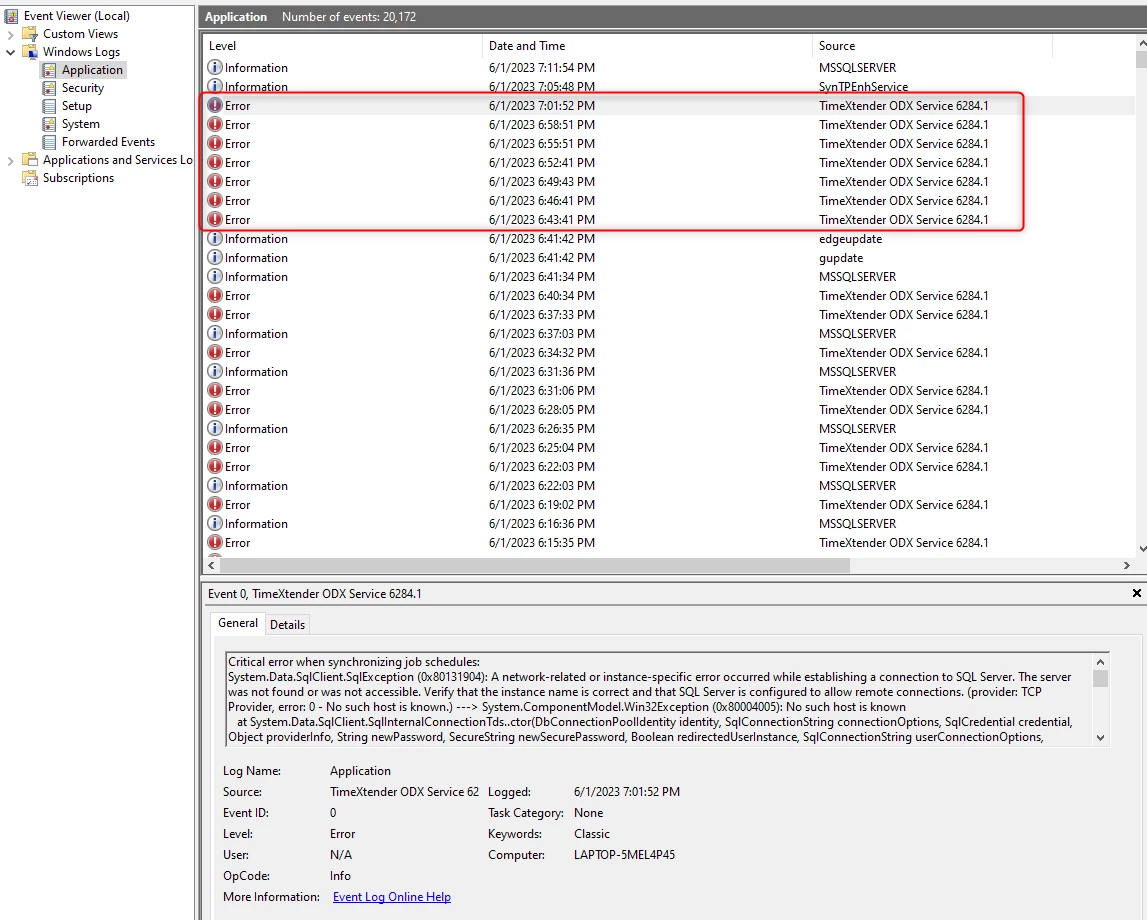
Check the Application Folder in the Event Viewer where the ODX Server Service is installed, you may see entries for the failed executions there. The following example shows several failed jobs about 3 minutes apart.


erik.van.mastrigt
TimeXtender Xpert
Forum|alt.badge.img+3

Hi Greg,

Thanks for the suggestion. We’re still on Business Units and planning to move to ODX Server later.

In the Windows Event Viewer I only see one error, so nothing that suggest any retry.


Actually there were three packages running at that particular moment. All of them failed because of the Azure connection issue. I only see one fail in Event Viewer and missing logs of two other packages (and the retries).

We have a PBI dashboard which reads the logs from TX repository. The fails are logged here:


To summarize, I think that we’re both missing logs in the Event Viewer and no retries are performed.


rvgfox
Problem Solver
Forum|alt.badge.img+4
  • Problem Solver
  • June 2, 2023

Hi @erik.van.mastrigt in the new version the retries works perfectly.


Christian Hauggaard
Community Manager
Forum|alt.badge.img+5

Hi @erik.van.mastrigt 

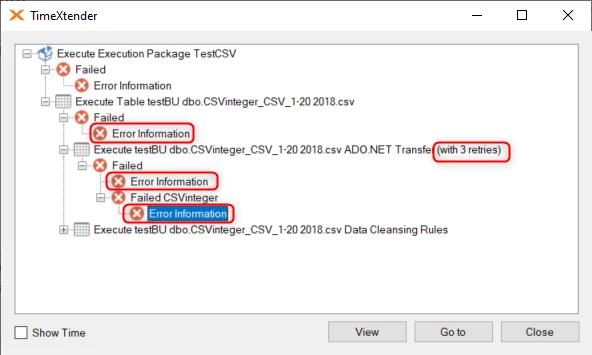
I have setup a failing csv cdata source in Business Unit and setup an execution package with 3 retries. When I execute this manually I see that the retries are working as expected

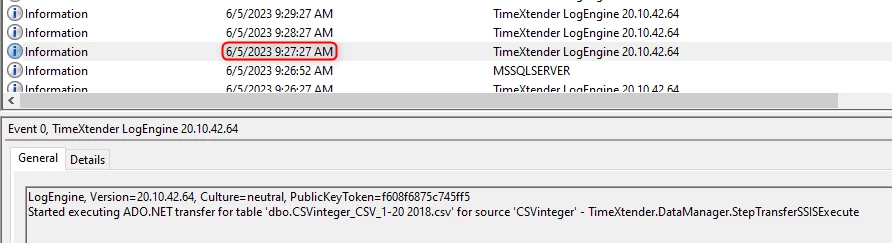
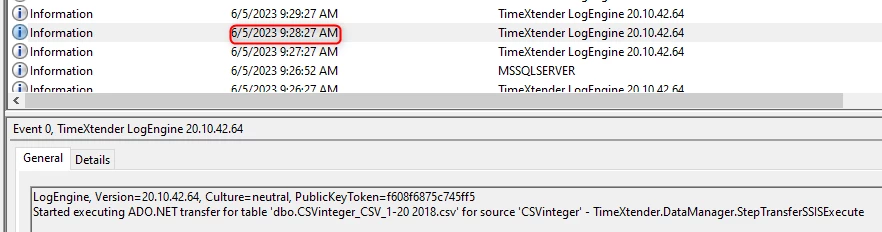
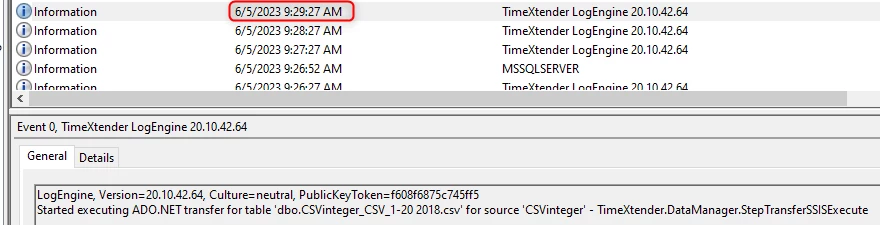
I can also see in the event viewer as informational messages


erik.van.mastrigt
TimeXtender Xpert
Forum|alt.badge.img+3

Hi @Christian Hauggaard,

Thanks for testing. I do see retries in most cases, but not in all of them. I have a new example which occurred last night.

This is how the retry is configured

Besides, I got a suggestion that the amount of Retries should be higher, as we load with multiple threads. Makes sense, but the issue is that I don’t see any retry performed at all.

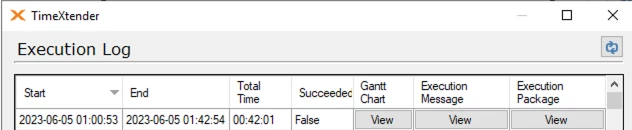
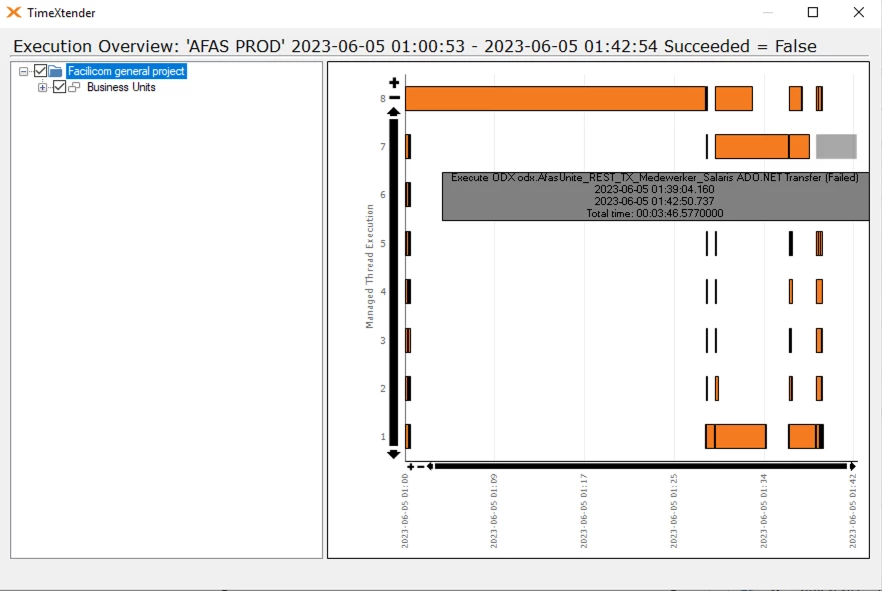
The scheduled package failed at 1:43 AM


In this Execution Log there’s nothing mentioned about retries:

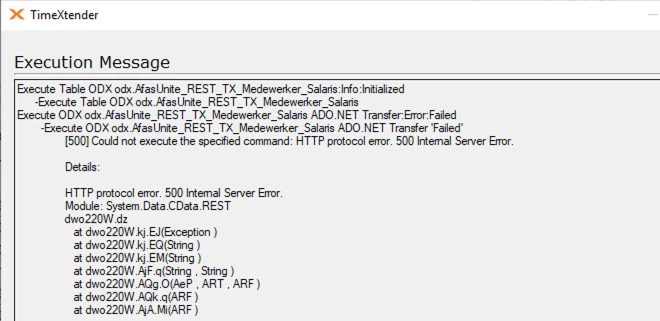
Neither in the Execution Message:


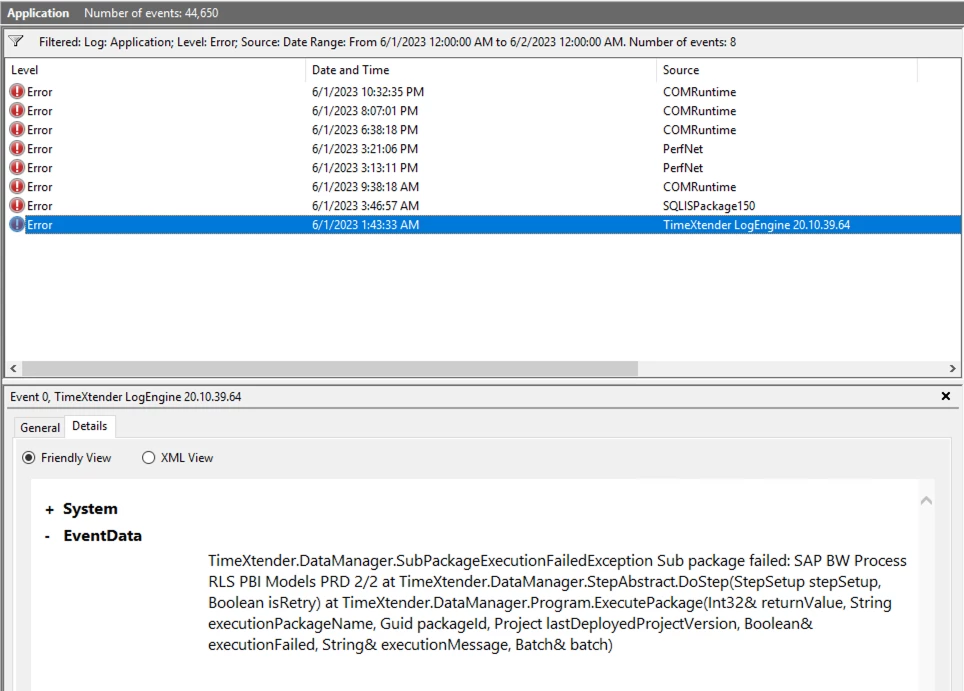
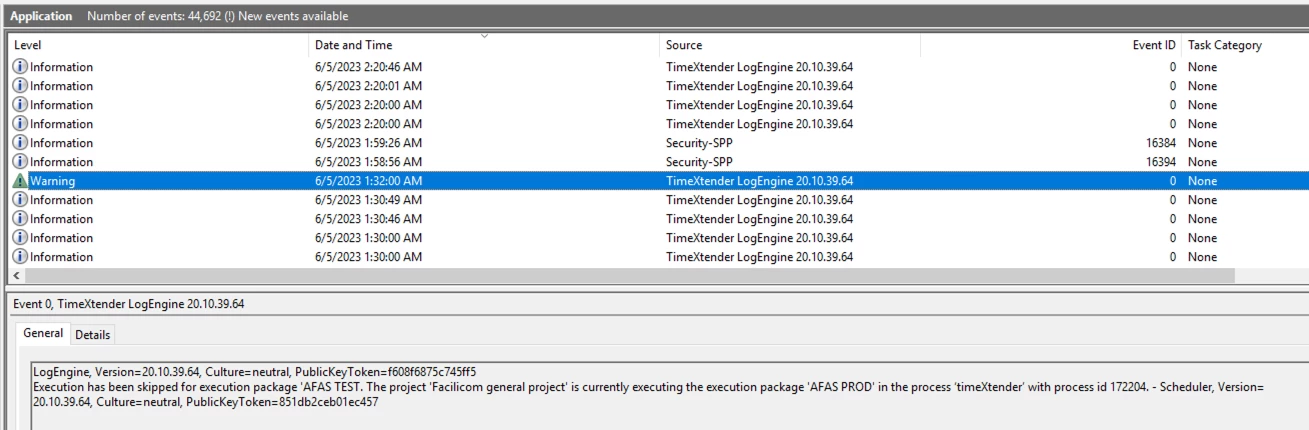
In Windows Event Viewer there’s no record about the failure nor around that particular time:

(The warning message is ok and involves a different package).


Best,

Erik


Christian Hauggaard
Community Manager
Forum|alt.badge.img+5

Hi @erik.van.mastrigt this might be because the retries have already been used in prior step, could you please try to increase the number of retries?


erik.van.mastrigt
TimeXtender Xpert
Forum|alt.badge.img+3

@Christian Hauggaard Ok will do that, but it still leaves the question where to see in the log of (scheduled) executions if retries have been performed, and if so, which tables.


Thomas Lind
Community Manager
Forum|alt.badge.img+5
  • Community Manager
  • June 5, 2023

@erik.van.mastrigt

The only way you can see if a retry has been performed is by manually executing the package, which is what Christian did. You can’t see if it is being used in any scheduled executions.

However, I believe that you may be able to get it if you have a email notification set up. I seem to remember people mentioning this before.


erik.van.mastrigt
TimeXtender Xpert
Forum|alt.badge.img+3

@Thomas Lind  Ok, we have notifications for failure enabled, but that basically sends the execution message that can also be found in de logs. It does not mention retries.


Christian Hauggaard
Community Manager
Forum|alt.badge.img+5

@erik.van.mastrigt I have converted this question to an idea