SUBMITTED

Add option for manual field type input in Ingest Metadata

Related products:TimeXtender Data Integration
  • July 17, 2025
  • 7 replies
  • 145 views

rory.smith
TimeXtender Xpert
Forum|alt.badge.img+8

The current flow in Ingest Metadata Management is to ask the source what it contains, which will either get exact field types from DBMS-style sources or run a sample from many file- or API-based sources. In the latter variant, this is often a frustrating process: the actual type of a field may only be apparent in a record past the sampling threshold, or doing this might be slow.

In the CData connectors, you would specify types in .rsd. This was annoying, but would at least result in what you needed. The current functionality leads to issues.

Oftentimes we actually know what the type is beforehand and want to simply specify it instead of needing to load a lot of data. An example is an API that has a field that is actually a numeric(p,s) but mostly manifests as an integer. If there are more than one of these type of issues at the same time, it may be impossible to design a filter that allows for a one-shot metadata sync. Another example is a CSV file where Ingest detects nvarchar() fields where I know they are varchar(). As nvarchar() are a wider type, the resource consumption is much larger.

I believe the flow is currently something like:

source type → Ingest inferred type → (Override type) → Ingest storage type → (Implicit cast from Ingest to Prepare) → Prepare storage

I would like to see a few extra options with respect to metadata:

  • let me change types as delivered from source in the Metadata Manager. I am not sure there is value in setting the Ingest inferred type and then overriding after, so I suggest directly setting the Ingest storage type
  • turn off type evaluation entirely. I might want to do this once and then keep up manually or just input the types myself, depending on the source. This means a metadata sync would only need to ask for tables/views/fields and should therefore be faster
  • allow adding a filter only for metadata sync so that I can limit the amount of rows to evaulate for typing separately from transfer task filtering


7 replies

Stijn Verhoeff
Explorer

Can confirm that this can be a real pain in some situations. If a Decimal field is largely populated with Integer values, even using the Exhaustive Metadata Scan will assume the field to be an Integer, until a Decimal value comes along to disprove that. 

That means that an API can potentially run stable for years, but suddenly break when a specific value comes along. This feels wrong, especially considering:

  • Using an Exhaustive Metadata Scan would not prevent this, as the value may not have occurred yet. 
  • Using the Override Data Type would not prevent this, as the value is apparently initially ingested according to TX's implicit assumption that the field is an Integer, despite me explicitly stating that the field is actually a Decimal, based on the API's documentation. 

Forum|alt.badge.img+2
  • Contributor
  • October 29, 2025

Hi team,

This feature is really relevant. I currently have an API that returns a column which TX REST detects as an integer. This is indeed the case at this very moment, but tomorrow it may return decimals. I want to be able to assign the data type myself and TDI should obey that. The lack of this feature makes migrating from CData to TX Enhanced impossible at the moment.


Forum|alt.badge.img
  • Contributor
  • August 20, 2026

This needs to be fixed. It is risky to synchronize a data source now, as some data types may suddenly be changed from Decimal to Integer.

The only option now is to run a full scan for all tables when synchronizing, and that only works if there actually is data today that makes it possible to detect the correct data type. It also doesn't check Additional Connections.

An option could be that the Enhanced Data Connector considers all defined data type overrides in the data source settings. If an override is defined there, there is no need to even check what data type is found in the data.

Even a very simple/time-consuming solution to this would be better than having no solution.


Thomas Lind
Community Manager
Forum|alt.badge.img+5
  • Community Manager
  • August 20, 2026

The override data type feature is supposed to handle this. There is more to it than just reading it as a specific data type.

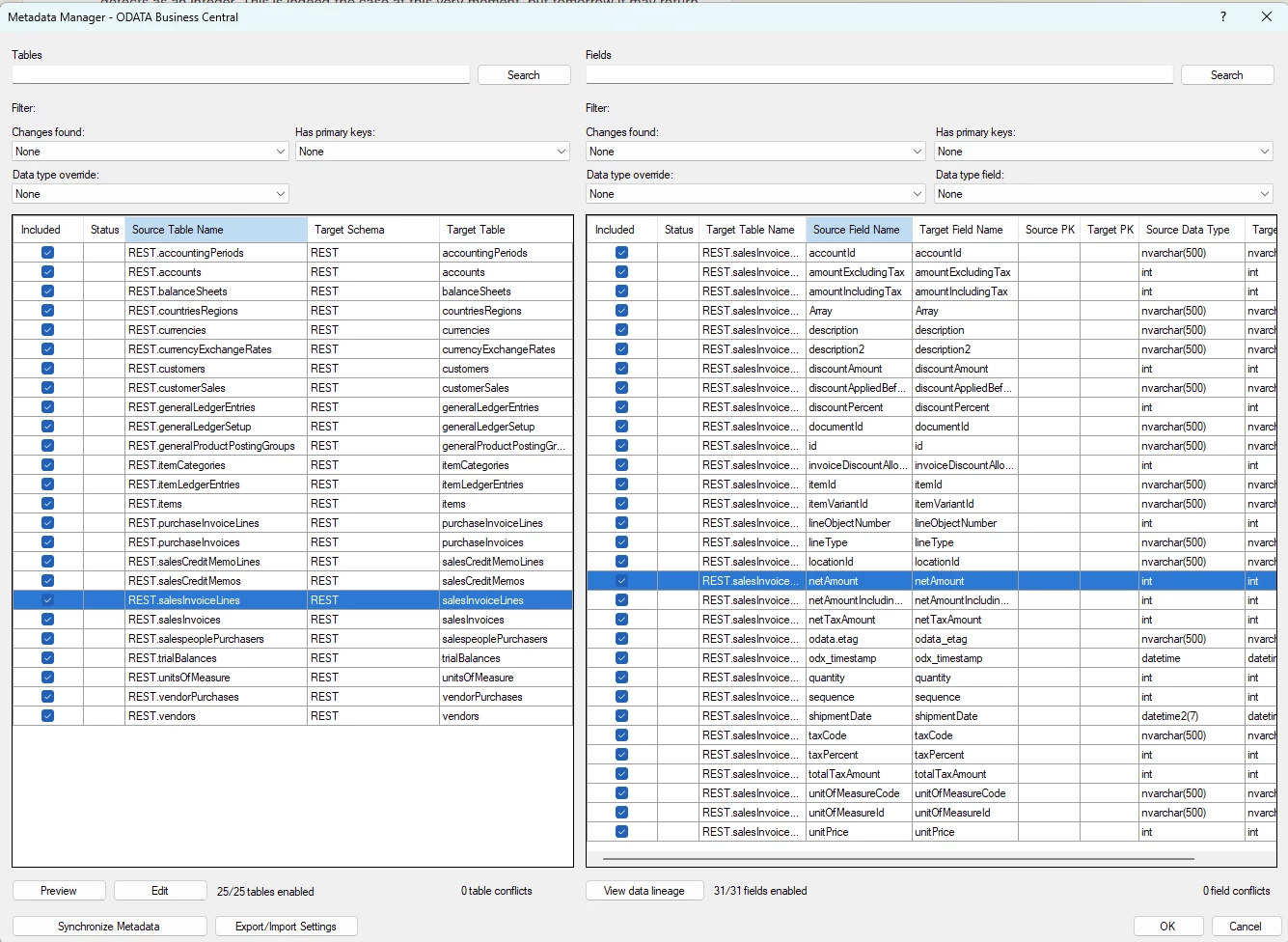
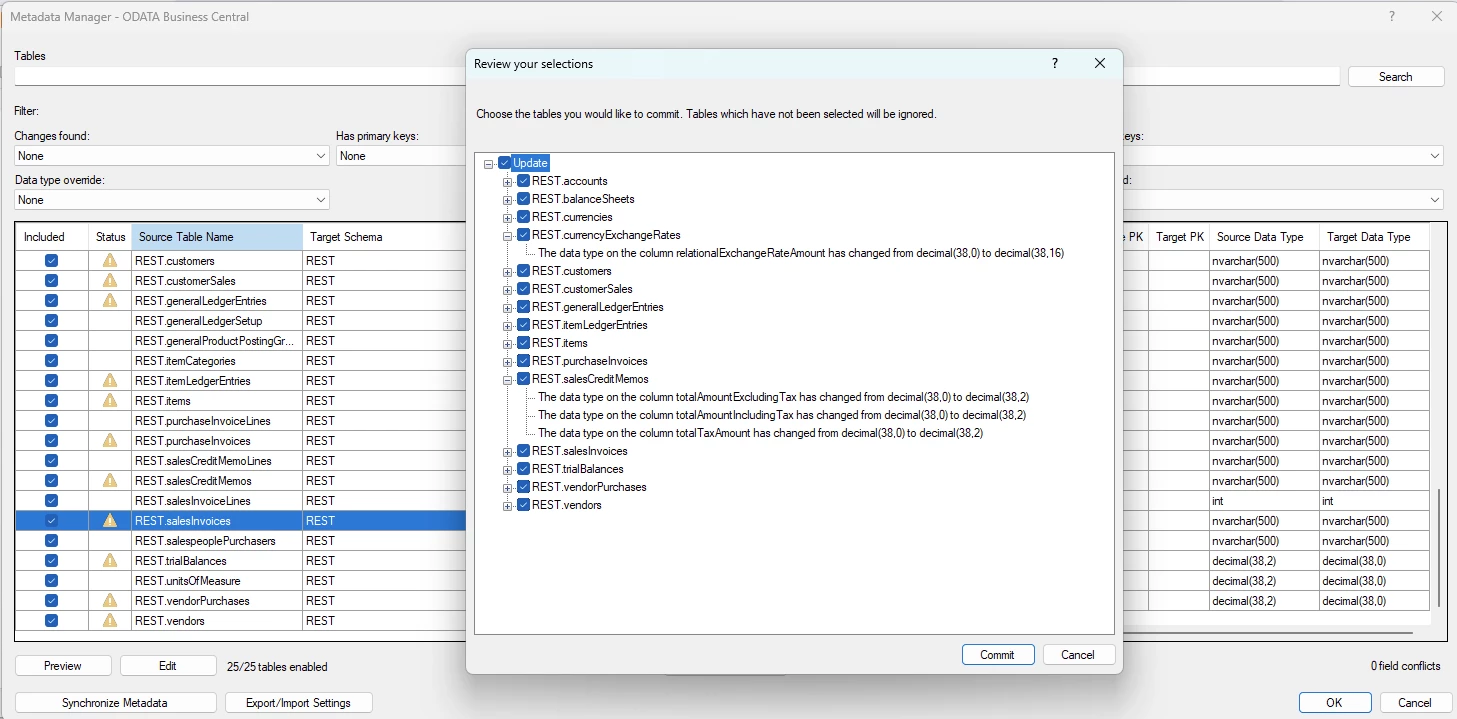
As an example I have a OData data source. Once you synchronize you see the Edit button be enabled.

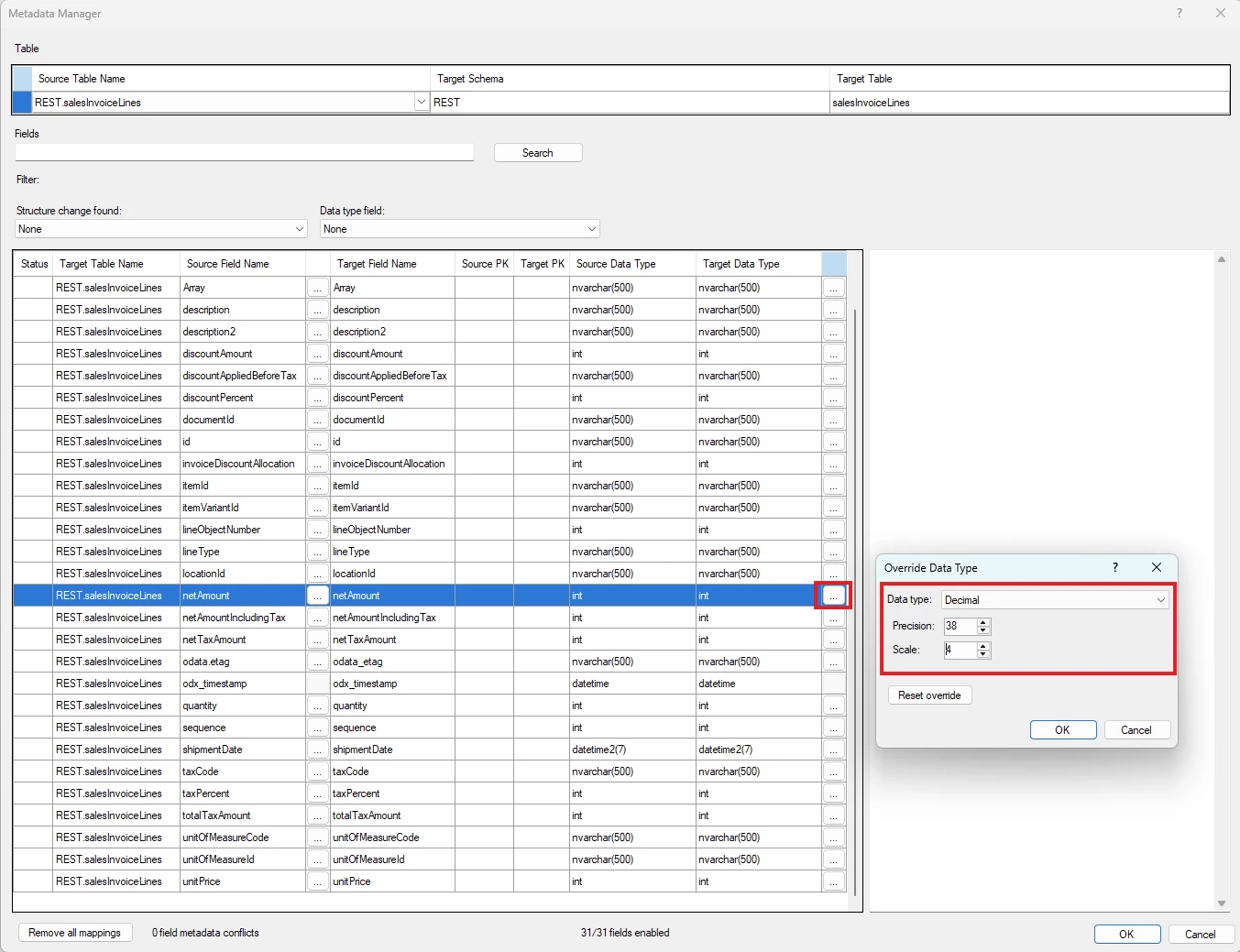
If you click on that, you will be shown all the fields and a opportunity to change the data types.

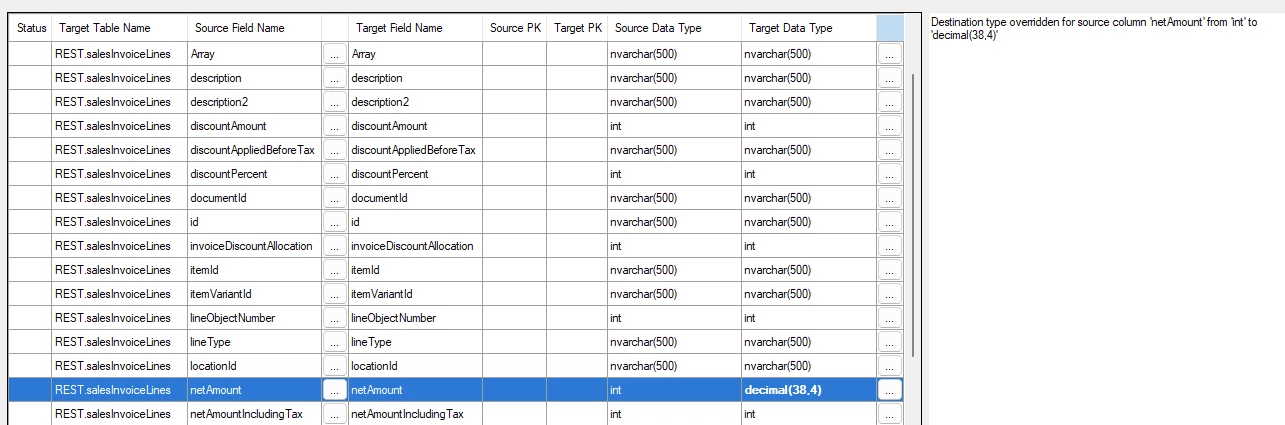
So I see that the field netAmount is an integer, I would imagine that it sometimes isn’t just that, but instead a decimal. So I will force that change.


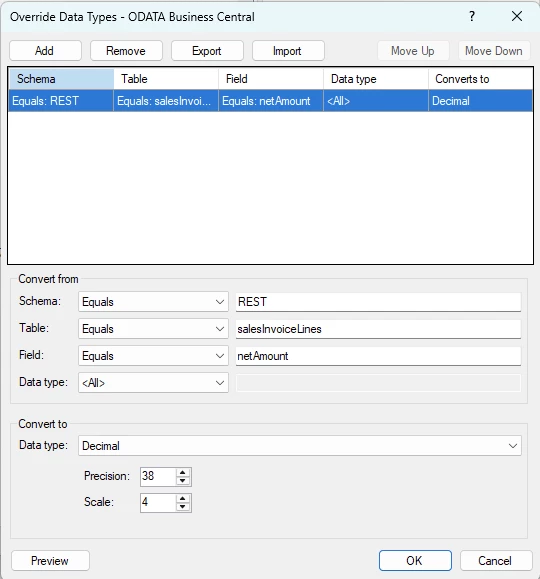
All this automatic change generates the following rule.


This should resolve your issue. You can force a field, to be a certain data type.

There is one thing that can make this fail and it is specifically why the field was read as an integer in the first place. It may have a value 1,001 and seen it as 1001 due to the culture settings and then when you force it to Decimal it either becomes 1001,000 or gives an error.

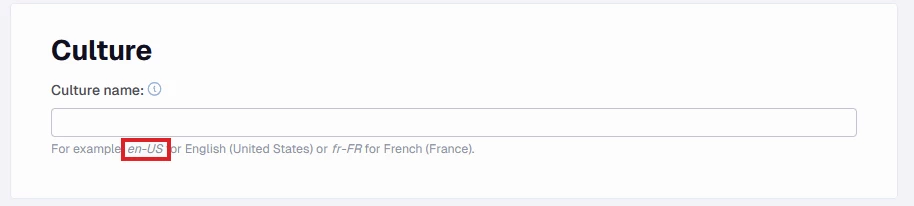
So for this to work you should mix it with setting the culture to en-US.

In the data source used in the example, I didn’t have this set and doing so resulted in the following.

So it is important to add this when trying to force what types of data types you want for the fields.


Forum|alt.badge.img+2
  • Contributor
  • August 31, 2026

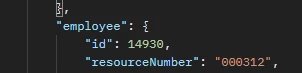
@Thomas Lind I don't see how data override types handle this. You can see it in this example, an API has a field which TimeXtender detects as INTEGER:

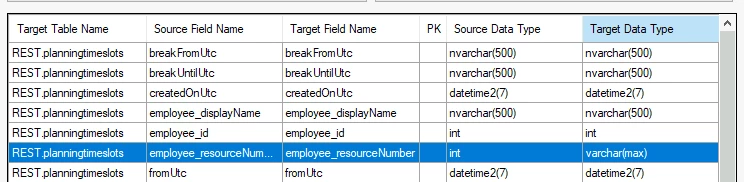
We applied a data override to try and fix this because we need the leading zeros:

However, checking this data in our Prepare instance still shows the leading zeros are stripped from the data.


Thomas Lind
Community Manager
Forum|alt.badge.img+5
  • Community Manager
  • August 31, 2026

Hi ​@KajEmergo 

This was a bug we supposedly fixed some time ago. Are you in the newest version?


Forum|alt.badge.img+2
  • Contributor
  • September 1, 2026

No we are not, we will upgrade and try again!