SUBMITTED

Being able to use parameters in PowerShell packages

Related products:TimeXtender Orchestration & Data Quality
  • December 9, 2025
  • 6 replies
  • 34 views

Stefán Gunnar Jóhannsson
TimeXtender Xpert
Forum|alt.badge.img+2

It would be nice to be able to use the parameter functions in PowerShell packages

6 replies

rory.smith
TimeXtender Xpert
Forum|alt.badge.img+8
  • TimeXtender Xpert
  • December 10, 2025

Also being able to use sensitive parameters in this context would be great. Bonuspoints for KeyVault integration.


peter.jensen
TimeXtender Xpert
Forum|alt.badge.img+3
  • TimeXtender Xpert
  • December 11, 2025

please check this as well 


  • Community Manager
  • December 15, 2025

Hi
Parameters actually work behind the scenes but the UI is missing.
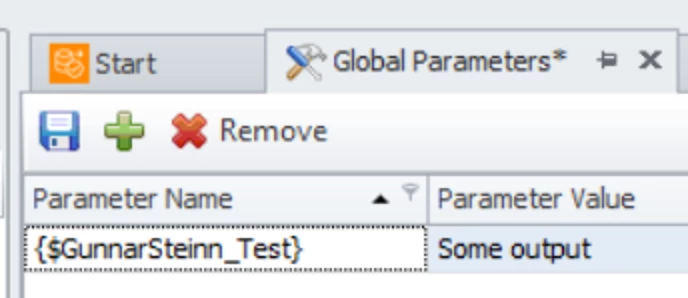
So if you have this in Global Parameters:


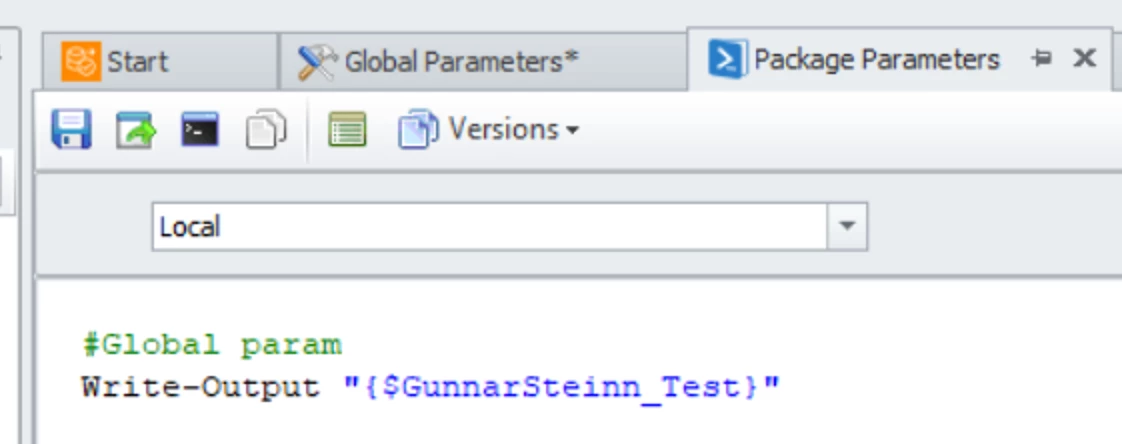
You can add it to the PowerShell script:


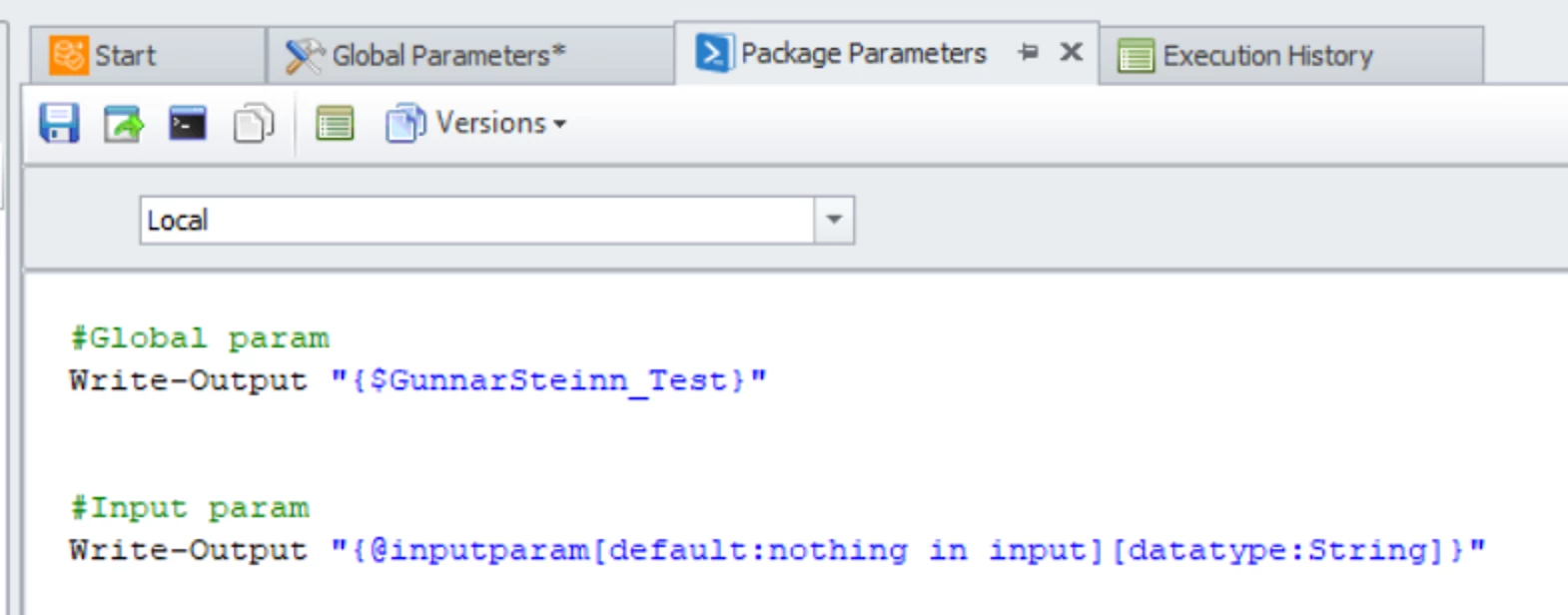
We can also use Dynamic Parameters which come either from the Schedule itself, or when a user runs it on the portal, they will be prompted for the input:


Here you can either run the Package with no input, and the package would write: nothing in input, 

or you can run it with --@inputparam "some input”

So for example you can in the Schedule add it as an Extra Parameter.

Note that if the Package is running in a Process, you can also pass the parameter to the process and it will be forwarded down.


Here is documentation for this feature: Create dynamic packages that accept parameters | Community


Sadly we don’t support KeyVault yet.


Stefán Gunnar Jóhannsson
TimeXtender Xpert
Forum|alt.badge.img+2

@gunnarsteinn Having a the ability to run different PS script for each UAT would also be great to have.


  • Community Manager
  • December 16, 2025

Good point ​@Stefán Gunnar Jóhannsson. As a workaround you can create a Query Snippet with different UAT and embed that one.


Stefán Gunnar Jóhannsson
TimeXtender Xpert
Forum|alt.badge.img+2

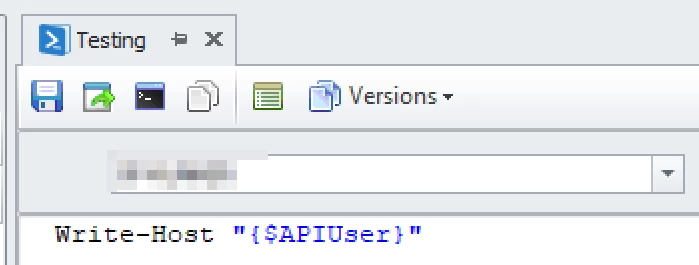
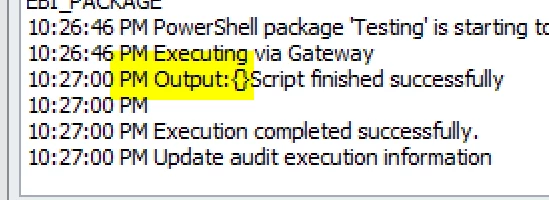
@gunnarsteinn  I always get an empty output from the parameter:

Global Parameters


Script:


Output: