

Solved

Integrating objects & reverting to a previous version

  • January 26, 2026
  • 4 replies
  • 31 views

darrirafn
Starter
Forum|alt.badge.img

Hi, I’m running TimeXtender Data Integration 7158.1.

When integrating an existing object I accidentally got a few extra tables, or MDW schemas, into my project that I didn’t intend to integrate.

Now I’m having a hard time removing them from the project. Going through the ‘integrate existing objects’ window without having those schemas selected does not help. In two cases could drop the tables and remove them that way but I don’t want to remove txdsa.ODX_TEMP tables (while running). 

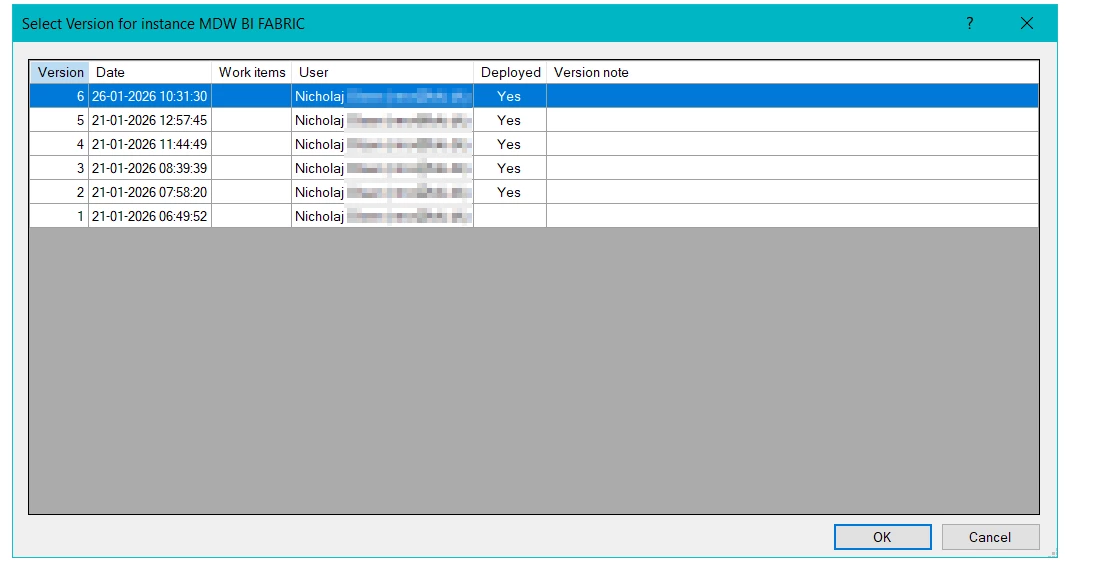
I thought of simply reverting my version but as of now it seems that the open folder is disabled. I do see version notes though but no way to revert to that version.
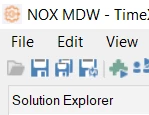
Any ideas? 

Best answer by nmo

@darrirafn  I think the instance has to be closed/not open when you do it

4 replies

Forum|alt.badge.img+1
  • Contributor
  • January 27, 2026

@darrirafn

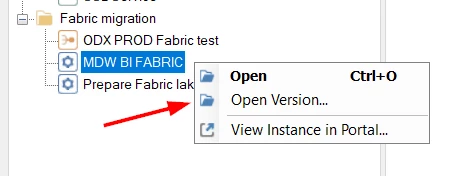
If you want to revert to a previous version you should be able to:

  1. Right click on the instance
  2. Select the version you want
  3. Save instance
  4. Deploy


darrirafn
Starter
Forum|alt.badge.img
  • Author
  • Starter
  • January 27, 2026


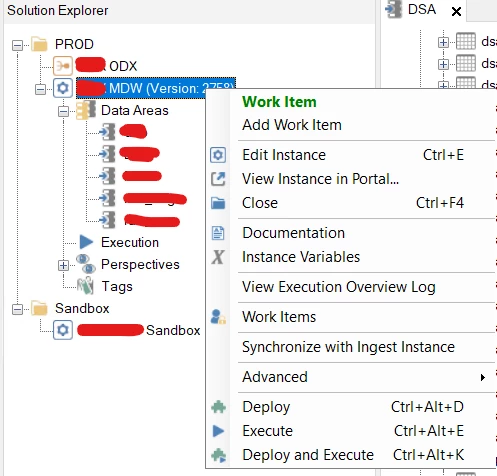
Hi ​@nmo, thanks. For some reason I don’t get that option: 
 

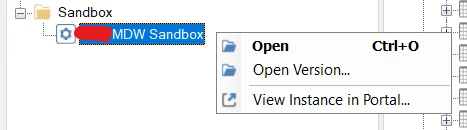
Although I do get that option for a sandbox environment:


Forum|alt.badge.img+1
  • Contributor
  • Answer
  • January 27, 2026

@darrirafn  I think the instance has to be closed/not open when you do it


darrirafn
Starter
Forum|alt.badge.img
  • Author
  • Starter
  • January 27, 2026

Thanks a lot, that worked 😁