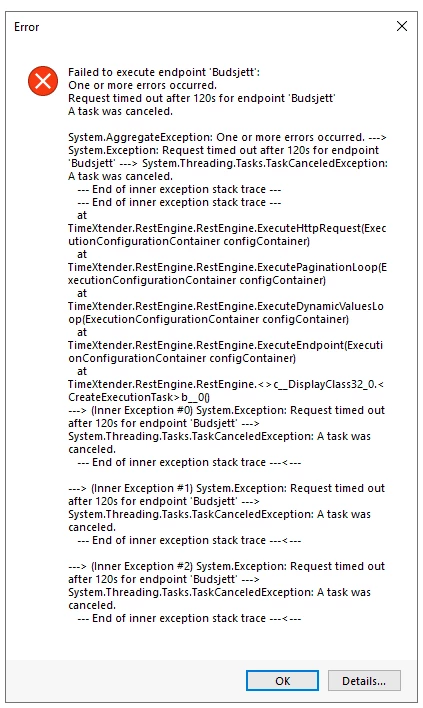

A couple of questions:
Table builder
To build i a table, i extract data steam first in POSTMAN.
I can either copy it into a flatfile and use input method Local File
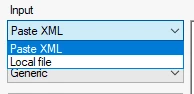
I find it a bit strange that there no browser option:

Or if the response is not too large, i can just copy it into Table Builder
[
    {
        "_recno": 0,
        "ID": "1",
        "Topic": "TX Enhanced Data Connectors",
        "valid_upto": "2099-12-31T00:00:00+01:00",
        "attr": "Data Connectors",
        "related_attr": "TX",
        "status": "N",
        "date_from": "1900-01-01T00:00:00+01:00"
    }
]
This is the table builder, with copied respose:
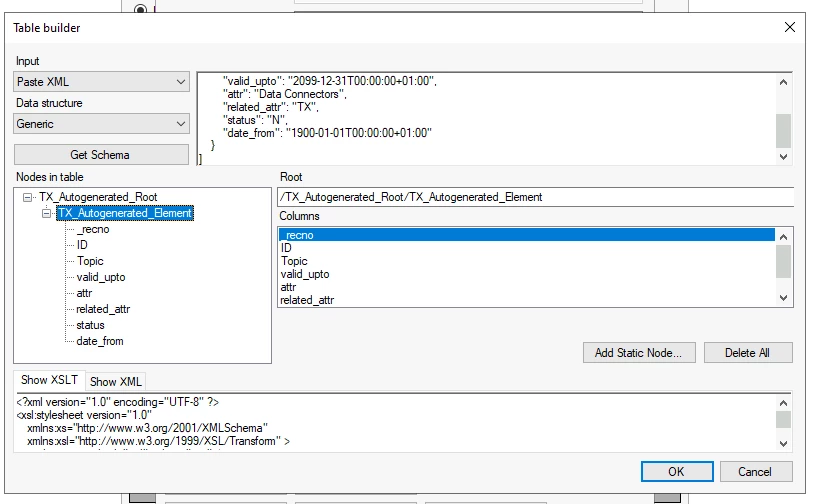
The issue is that, when i click OK, go out and go back in, the space where i have pasted the respose is empty and so is the ‘Nodes in the table’ window !
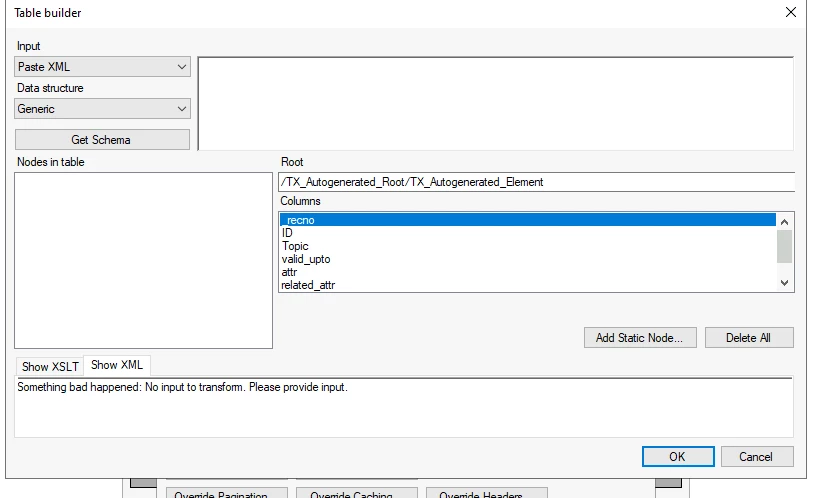
Table Builder - error
If i some how makes a mistake (lets say that i have forgot the closing brackets):
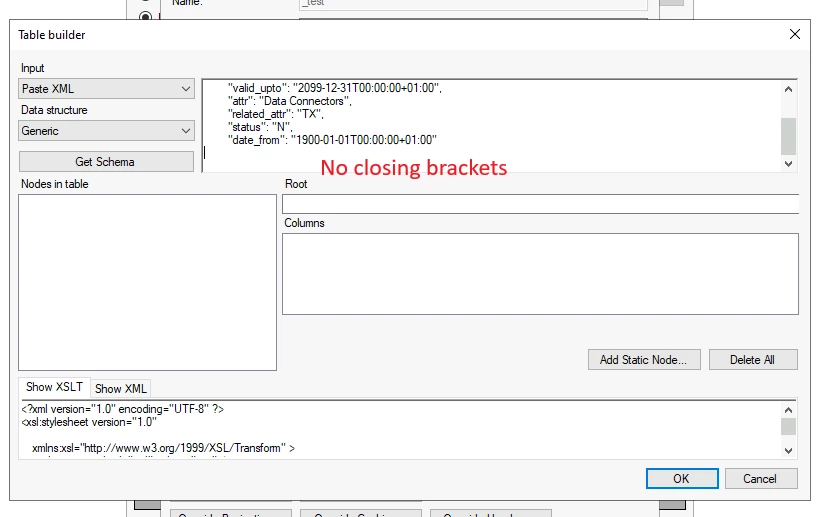
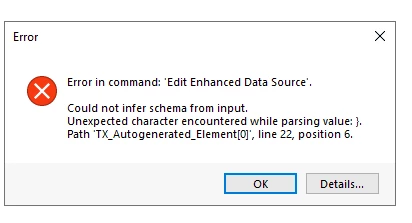
instead of a pop-up error, TableBuilder throws me out and the changes are lost:
Show XML
Also, what is Show XML tab at the bottom?
Why does it say: Something bad happened: No input to transform. Please provide input.
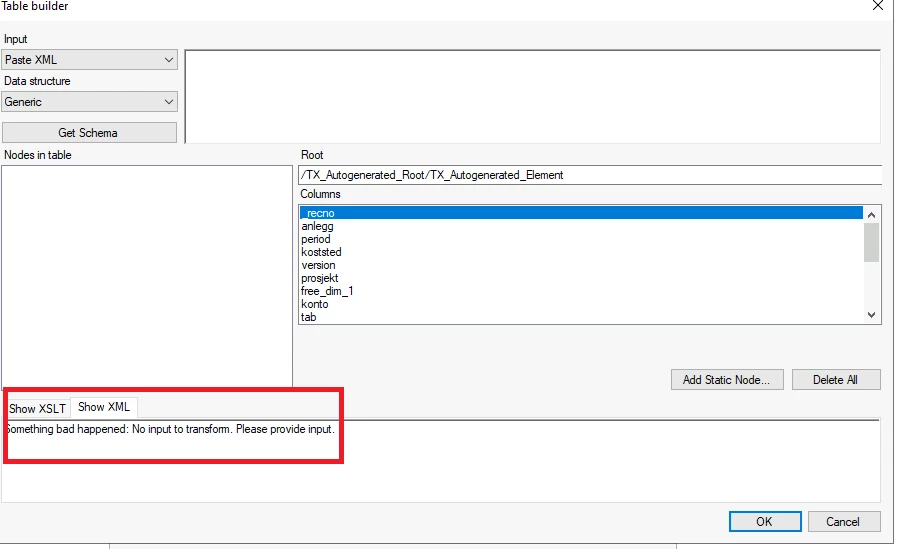
Table structured not populated
I am used to that table appears in Data Selection and the rows are listed accoring to how RSD-file is build.
In TX Enhanced Connectors, if there is a timeout, the table structure dont get populated.
Is it so that the connectors load the data while creating a table in Data Selection? If so, how do i buypass it? Data in table could be large and during the day the time-out issues can occur