you might want to set the culture settings to either en-us or your local region and see if that changes anything. You can also turn on two useful features to help track down issues:
debug logging: will generate a central logfile that contains the calls and dynamic values amongst other things
caching: by default the connectors work in-memory, but you can specify a folder to log to, this will create raw (response from the API), XML (conversion of raw to xml) and transformed (conversion of XML through table builder)
It is probably good to check if the raw response from the API looks strange.
have you already turned on exhaustive metadata scanning in the endpoint? It should parse all the data and determine field types based on that instead of on the first few records.
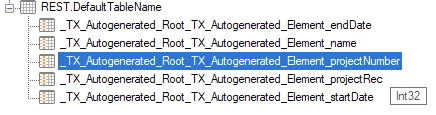
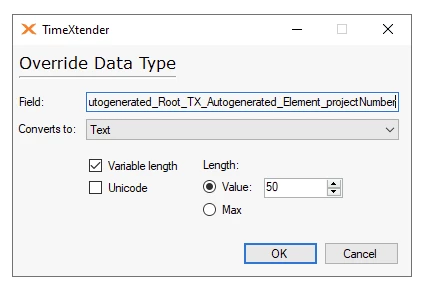
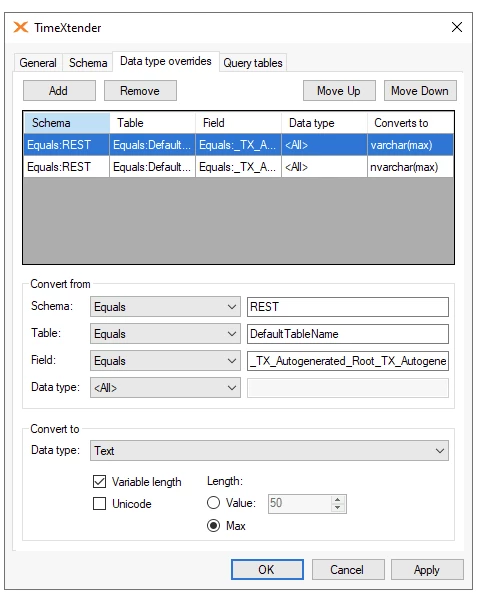
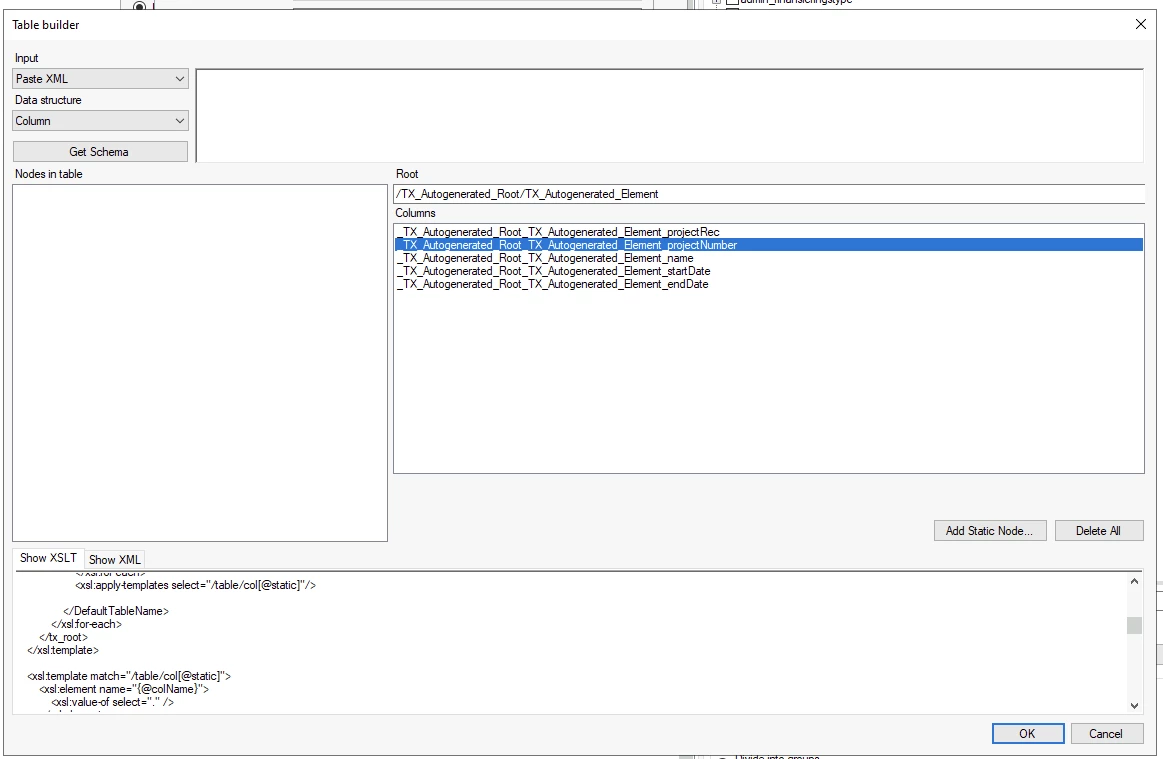
@Christian Hauggaard I have tried it again. I havent treid @rory.smith’s suggestion because the the source has huge ammounts of data. The workaround was to delete the endpoint and recreate it So, i deleted the endpoint where i useed this JSON: