Hi,
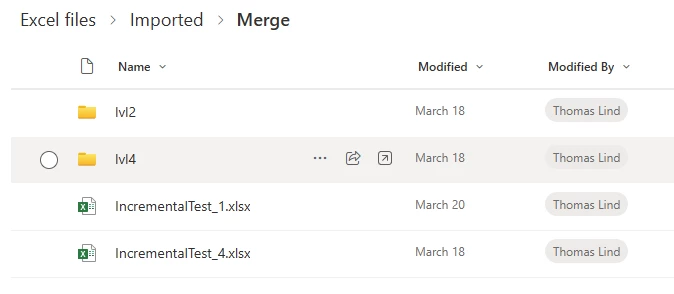
i've got a couple of spreadsheets in a sharepoint folder that is would like to merge into one table in TX.
I’m running TX V20.10.66.64
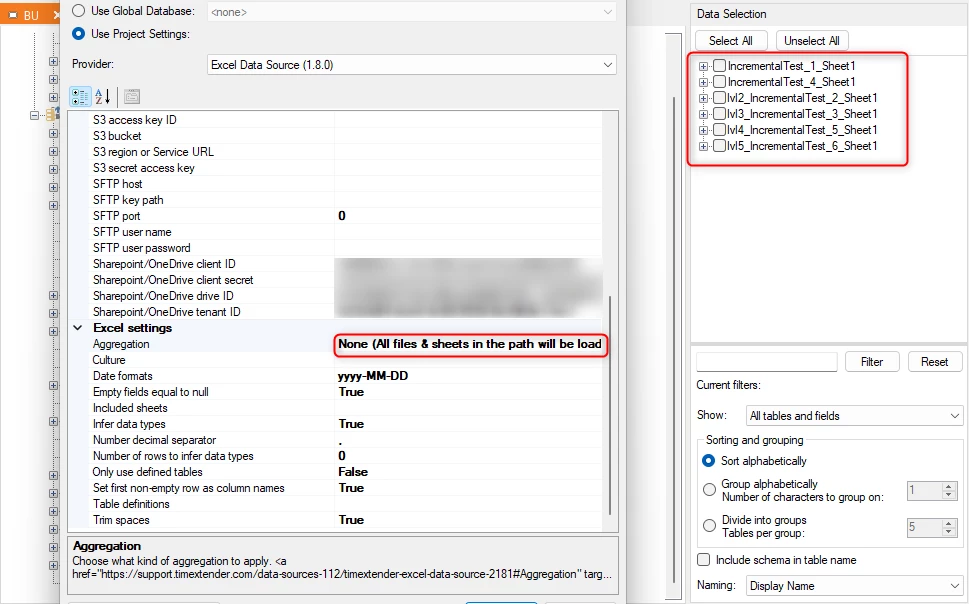
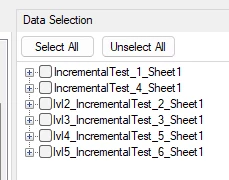
i've setup a connection to the folder using provider TimeXtender Excel Data Source (16.4.20.0) and can see the files when i choose None for the aggragation option.
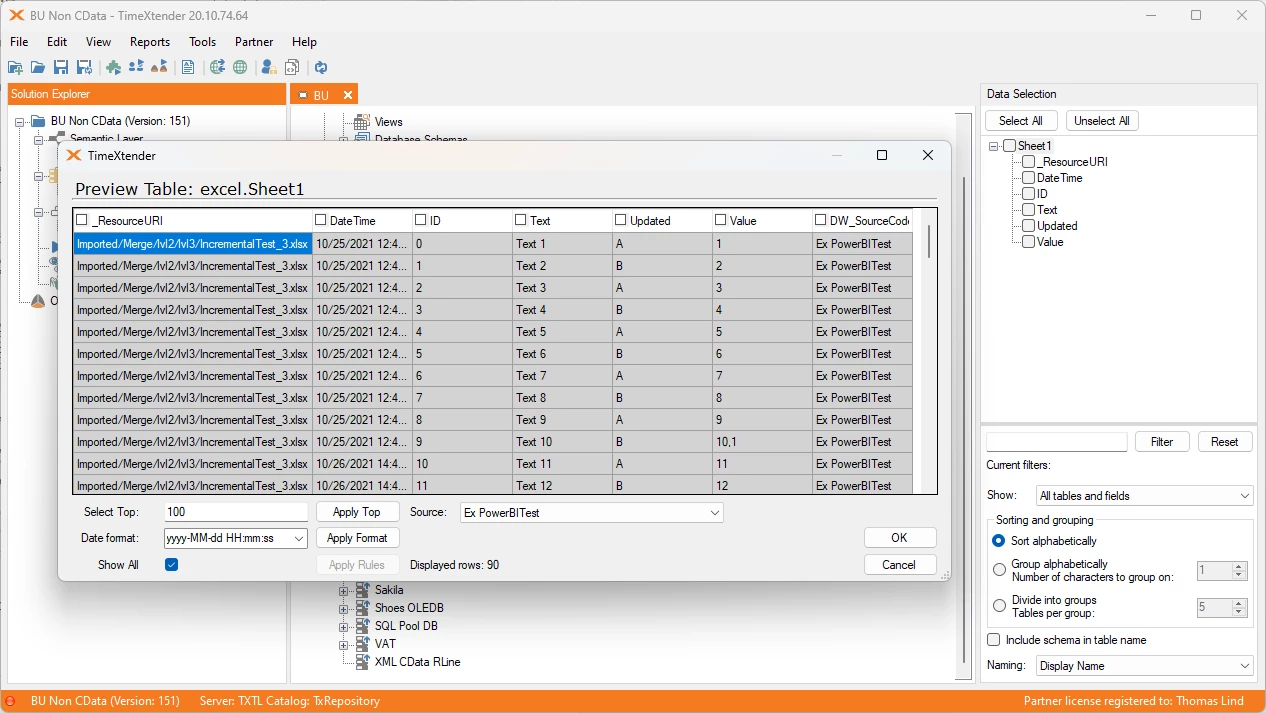
When i select Files or Files & Sheets, no files are shown after running the sync or Transfer job.
All files have just on sheet called 'Blad1’, the same amount of columns with identical names across the files. No tables are defined.
What's misconfigured or going wrong?
kind regards,
Hans Zuijderwijk