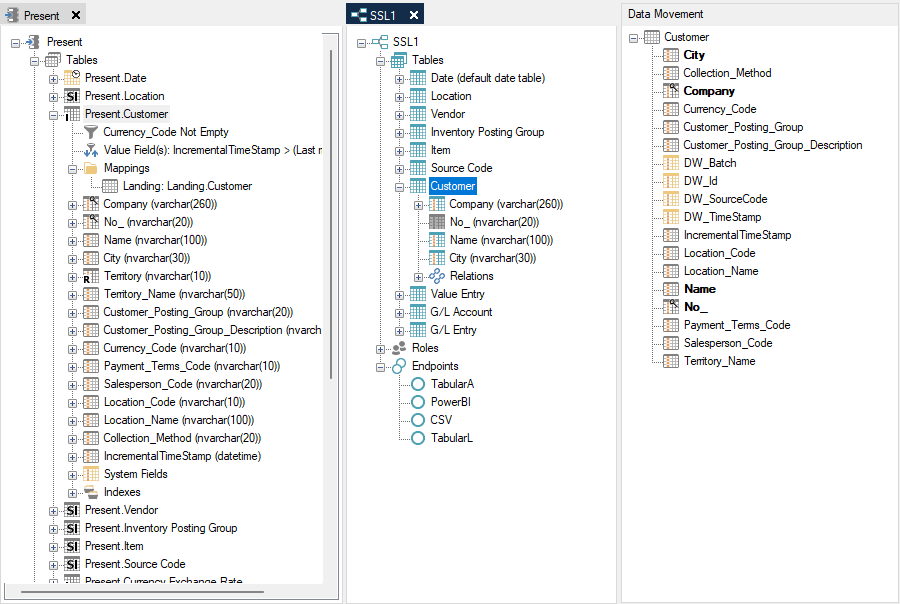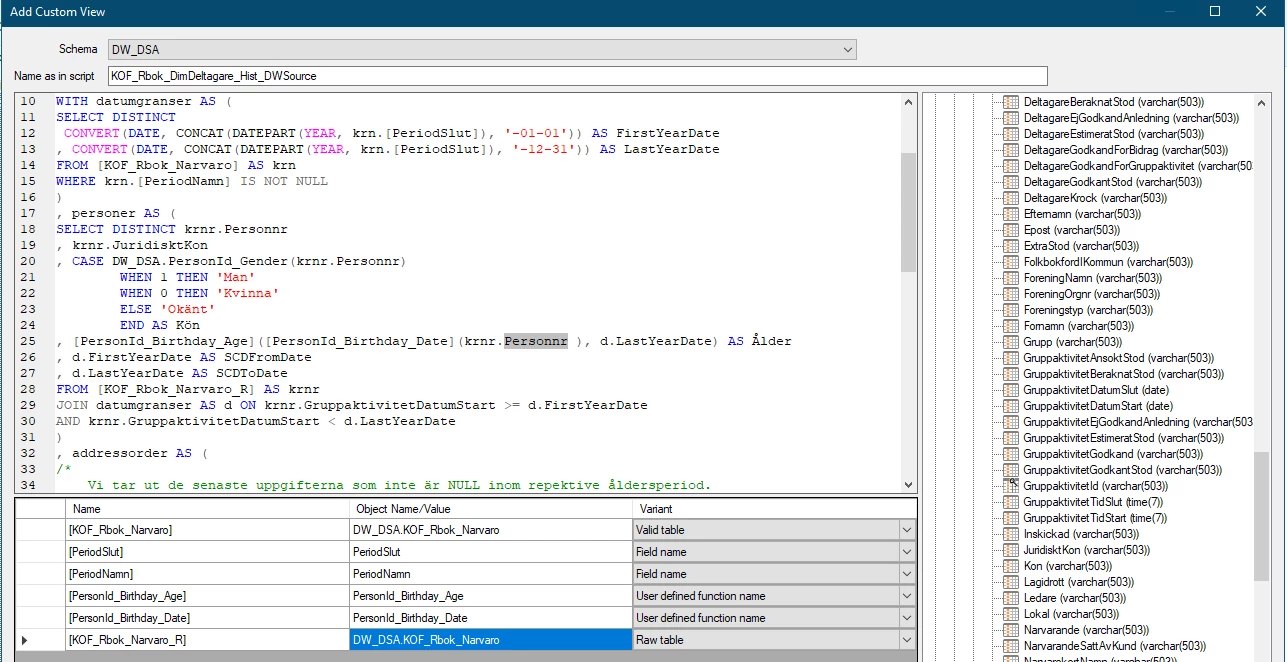

Designating a field as “raw-only” allows for the field to be hidden from the valid version of the table but still available for use as the basis for other fields, which can help streamline the valid version of the table.
As the name implies, a raw-only field is a field that only exists in the raw version of the table and not the valid one.
Raw-only fields will not be displayed in other Data Areas or Deliver instances that only use the valid part of the table. Hiding a field from the valid version of a table can be appropriate for fields that have no other purpose than to be part of other fields, e.g., used to create a surrogate key for dimensional modeling.
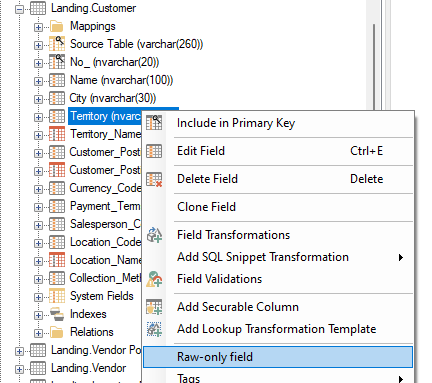
Use the following steps to designate a field as raw-only:
- Right click the field and click Raw-only field.
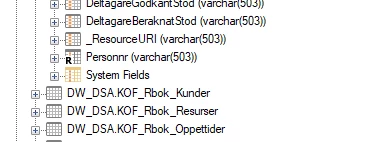
- Raw-only fields are displayed with an “R” in their icon.
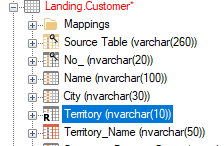
- Raw-only fields cannot be added when dragging fields from one data area to another.
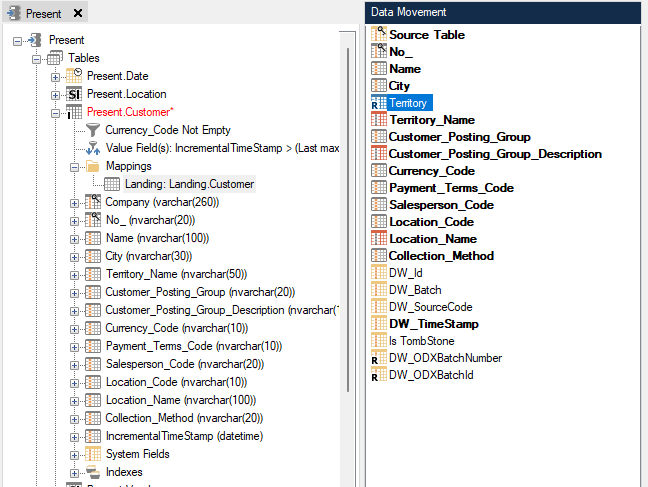
- Raw-only fields also cannot be added when attempting to drag fields to a Deliver instance table.