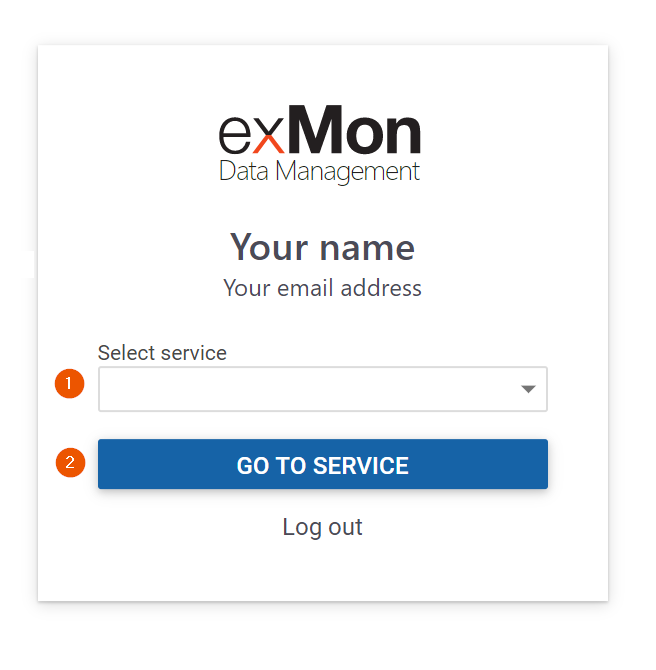


In this article, you are going to learn how to connect to an Data Enrichment or TimeXtender Orchestration and Data Quality service through the web. To being, navigate to https://login.exmon.com/ and enter your email in the small modal that appears.
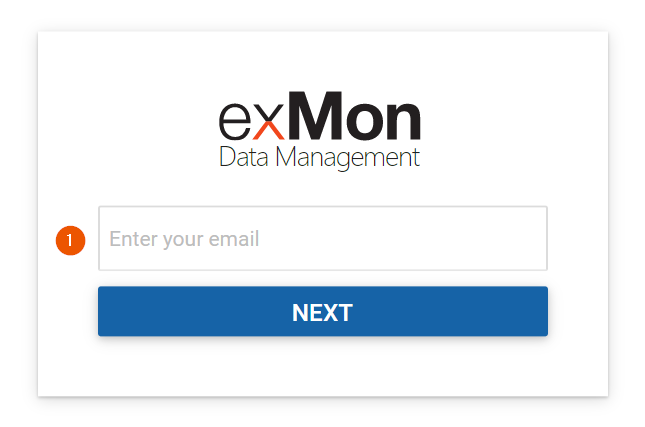
Flow when Single sign-on using Azure AD is setup
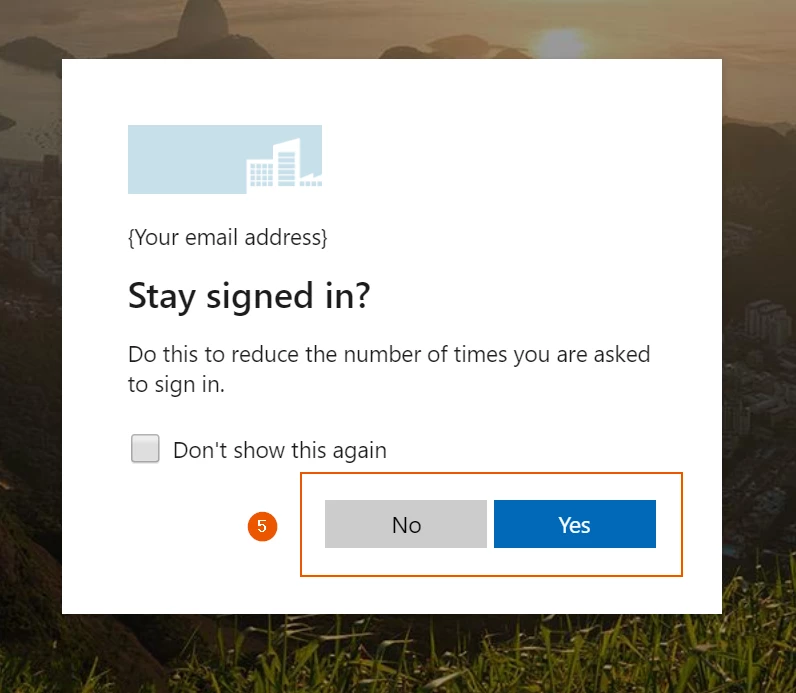
If single sign-on using Azure AD has been set up you will be redirected to your companies login site and it will probably look something like this:
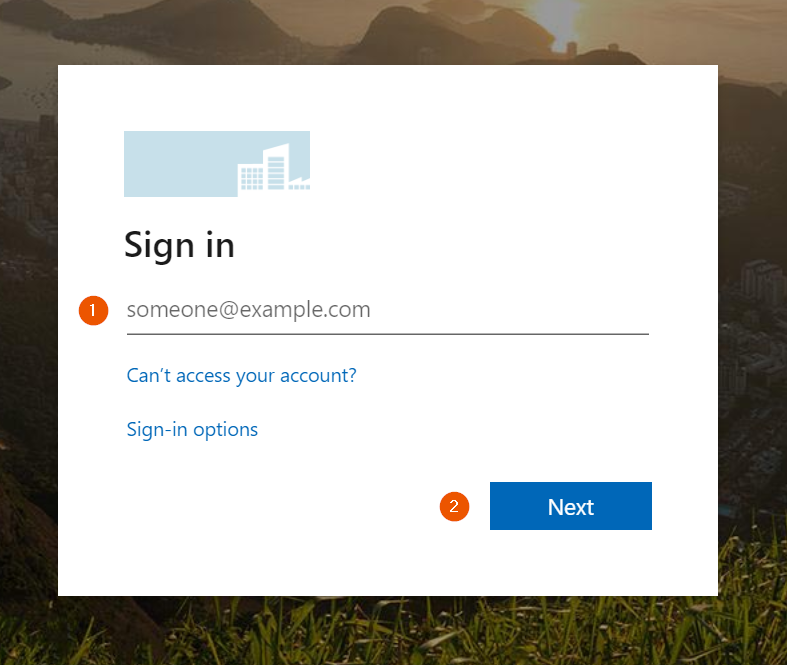
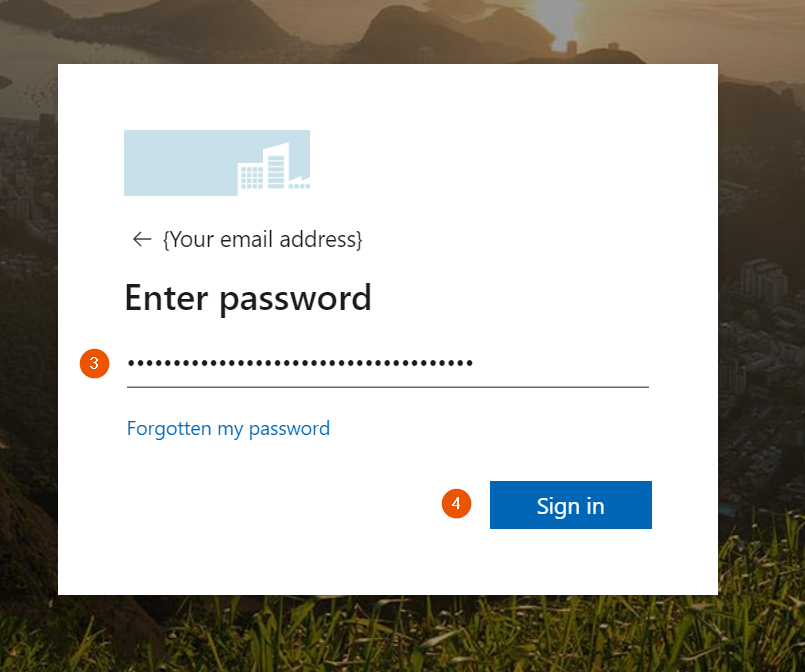
Flow using email and password
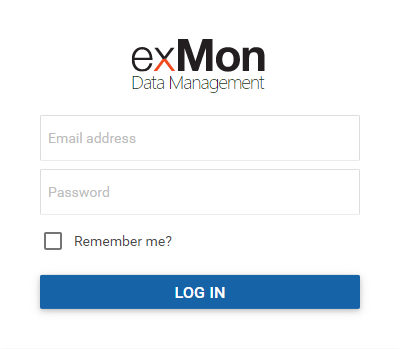
If the email entered, in the beginning, does not have a single sign-on setup this modal will appear where you simply enter your email and password and press 'log in'
Selecting a Service
When the login process is finished, using either single-sign-on or email/password, this modal will appear which allows you to select the service you would like to go to from the drop-down menu.